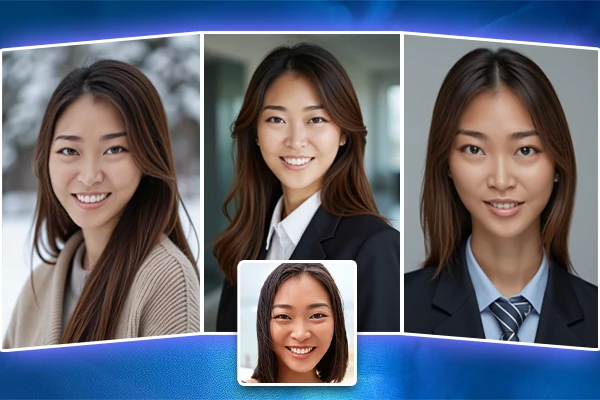
Free Online AI Photoshoot for Portrait
Turn your selfies into professional-grade AI photoshoot without the need for a studio or photographer. Create personalized photoshoots tailored to various occasions.
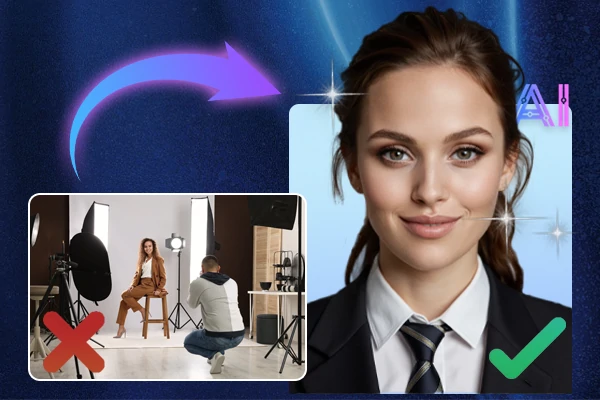
Enjoy AI Photoshoot at Home
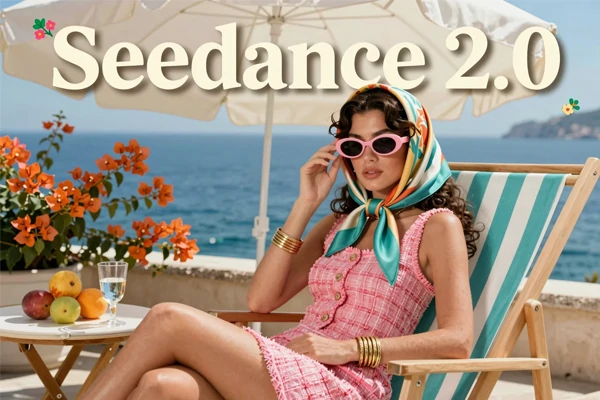
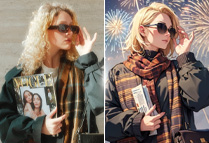
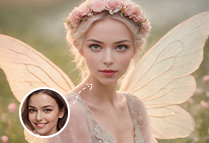
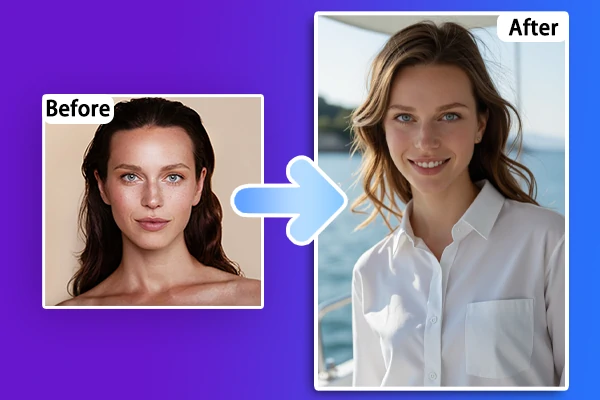
Enjoy an online photoshoot with SeaArt AI. Upload your photo, choose a style, and let the AI do the rest. Our tool will automatically swap your face in the template you choose, and change your outfit, hairstyle, backgrounds, and overall aesthetics to produce polished studio-quality shots - all without leaving home!
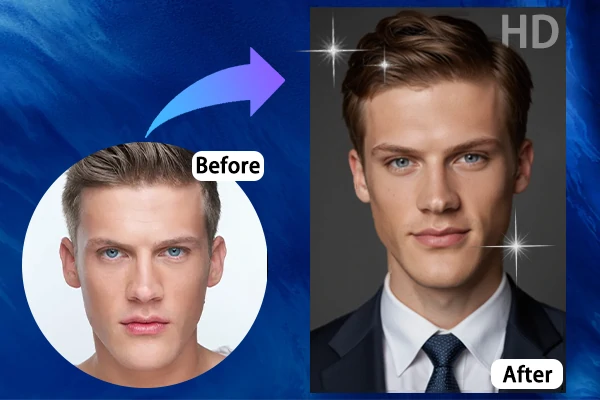
A Virtual Photoshoot with Stunning Realism
Our photoshoot AI tool brings professional photography to your fingertips. You can create pro-quality images in a virtual environment, delivering lifelike results that rival traditional photography. No more agonizing over poses, SeaArt offers an extensive range of templates to guide you. Transform dull selfies into high-resolution, realistic photos in just a few clicks.
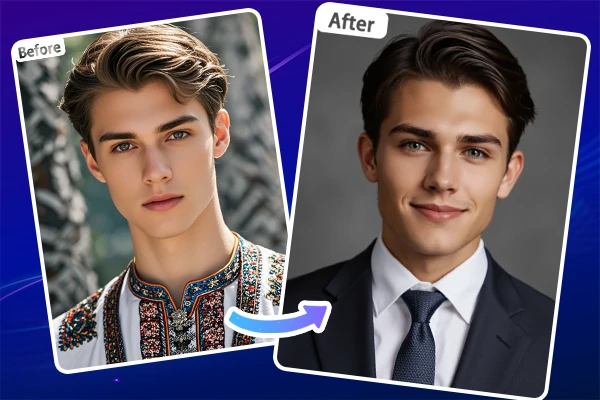
Formal Photoshoot for Career Success
SeaArt's AI photoshoot generatoroffers various formal photoshoot styles, ensuring you always look your best in professional settings. Generate polished business headshots, CV portraits, or profile pictures ideal for LinkedIn, resumes, and corporate branding. Easure you stand out with confidence and professionalism.
Lifestyle Photoshoot for Social Media
Elevate your social media online presence with captivating lifestyle AI photography. Whether you want a male or a female photoshoot for an Instagram or Facebook profile, or even Tinder photos, this AI photoshoot generator has you covered. Create captivating, high-quality images that make an impact online.
How to Create AI Photoshoot?
Step 1: Select Your Style
Browse and choose 3–10 styles that match your vision. From business looks to casual styles, there's a style for you.
Step 2: Upload Your Photo
Upload a front-facing selfie with a clean background to ensure the best results.
Step 3: Generate and Download
Preview your AI-generated portraits, and download the final images directly to your device. Enjoy professional-quality photos effortlessly!
FAQs

What is an AI Photoshoot?

How long will it take to create AI photoshoot?
The process is is quick and efficient, it typically takes just a few minutes, you can see and download your AI-generated photos in real-time.
What is the ideal type of photo for uploading?
For the best results, upload a clear and front-facing selfie with a simple background, so that our AI tool can easily detect your facial features and apply the chosen style seamlessly.
Is there a limit to the number of photos I can generate with SeaArt?
SeaArt allows you to generate up to 80 photos in one session. We offer flexibility when it comes to generating photos. You can choose the number of photos you need, whether it's 20, 40, or the full 80.