🖼️ How I Made an AI Character Break the Screen (15s Video)
What if a character inside an image suddenly becomes aware… and starts looking back at you?
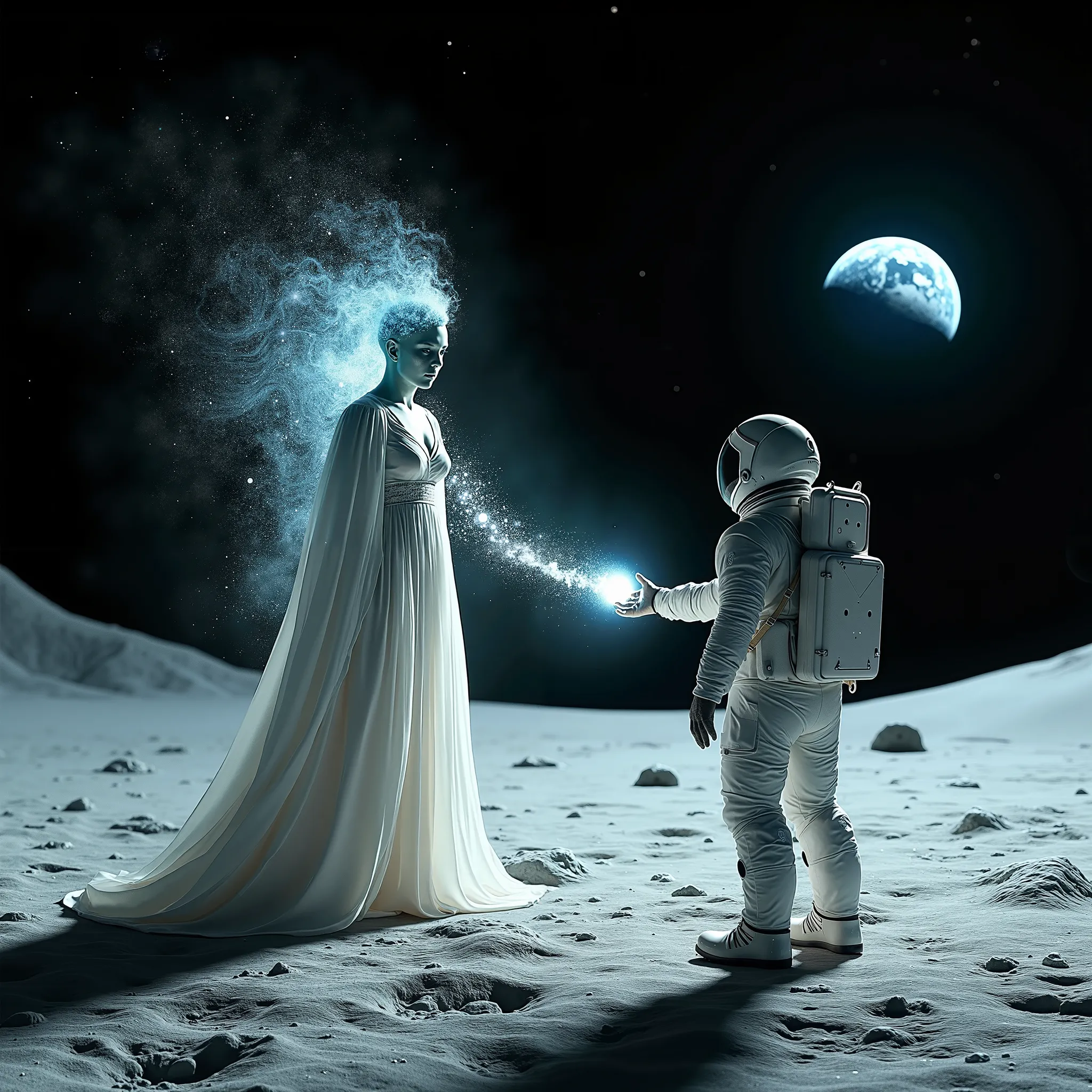
In this short experiment, I used a single image and turned it into a cinematic 15-second video where the character slowly comes to life, breaks the fourth wall, and directly interacts with the viewer.
📌 Idea Breakdown:
The goal was to create a “watching vs being watched” feeling.
Instead of fast action, I focused on:
- Slow movement
- Subtle glitches
- Direct eye contact
These small details make the moment feel real and unsettling.
🎬 Steps (Simple Version):
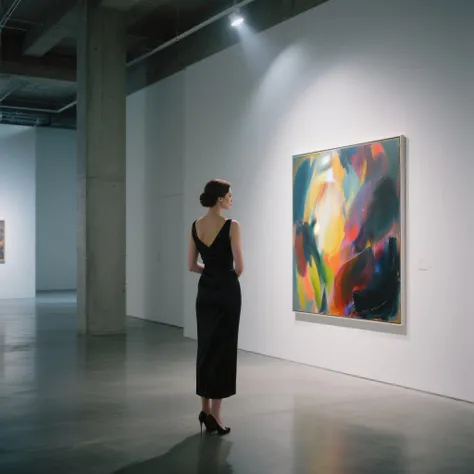
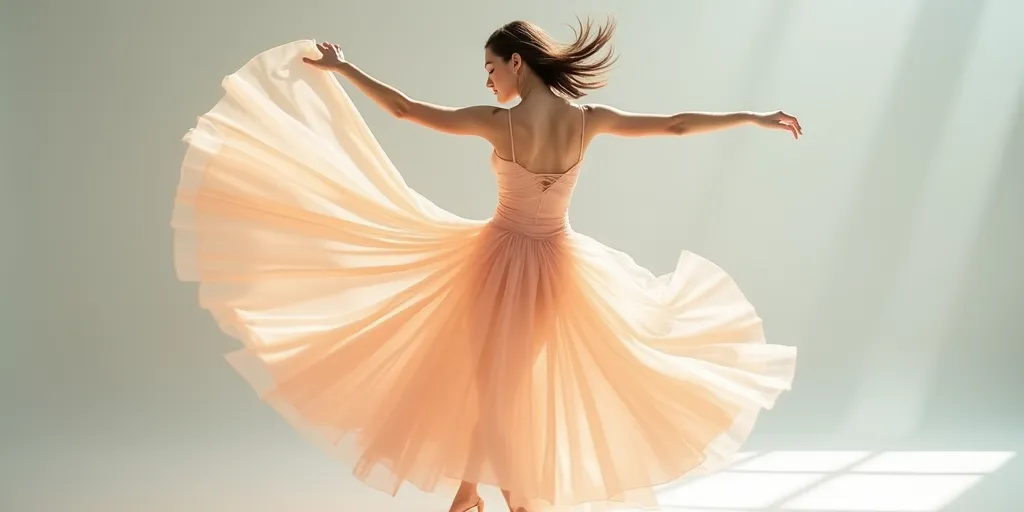
1. Start with a still image (character facing away)
2. Add subtle motion (wind, lighting, breathing)
3. Slowly rotate the character toward the camera
4. Add eye contact + facial emotion change
5. Insert dialogue (short, impactful)
6. Add final interaction (reach toward camera + screen crack effect)
🎤 Dialogue Design:
Short lines work best for emotional impact:
- “You finally opened it.”
- “I’ve been waiting.”
- “Now… it’s your turn to stay.”
⚡ Key Tips:
- Don’t rush — slow pacing builds tension
- Eye contact is the most powerful moment
- Keep dialogue minimal but meaningful
- The ending matters more than the beginning
💡 Why this works:
Most AI videos focus on visuals.
But adding interaction + awareness makes the viewer feel part of the story.
🚀 Try this idea:
Start with any image → make the character notice the viewer → let them react.
That’s when it stops being a video… and becomes an experience.
#Caption
This character didn’t just come to life… it noticed me.
#Hashtags
#AIvideo #Seedance #SeaArt #AIstorytelling #CreativeAI #AIfilm #AITutorial #FourthWall #AIconcept #VideoCreation #AIcreator #CinematicAI #DigitalStorytelling