Welcome to our official SeaArt Dance Tutorial Guide!
To help you navigate and use the SeaArt Dance model more easily and accurately, we have prepared the following tutorial.
It is designed to help you make the most of the model and generate more precise and stunning visuals.
🌌 Motion from Stillness · Full Guide to AI Image-to-Video Generation
Upload an image, and let your imagination come to life!
Generate a cinematic short film from a single frame with AI.
1. Image-to-Video · Complete Production Guide
Let your image and text work together to create storytelling video clips using AI.
🖼️ Step 1: Upload a Reference Image
🔹 Supported formats: PNG, JPG
🔹 File size: ≤ 10MB
🔹 Minimum resolution: 300 px
📌 Upload Tips:
- Clear subject focus
- Simple, uncluttered composition
- Avoid complex or noisy backgrounds
✍️ Step 2: Input Prompts (The Most Critical Part!)
A strong prompt equals a great result. Use your words to breathe motion and meaning into your image.
✅ Recommended Prompt Structure:
1. Main Action
Describe what the subject is doing, such as:
- "A chef is delicately plating a gourmet dish."
- "A dolphin leaps joyfully beside its trainer."
- "A robot quietly cleans the exhibition floor."
2. Scene Changes
Set the background story with environmental transitions:
- "As night falls, city lights start to glow."
- "Leaves fall as the wind blows through an empty street."
3. Camera Movement
Add cinematic feel through virtual camera motion:
- "The camera slowly zooms in, focusing on the protagonist's face."
- "It pans out from the couple to reveal a field of flowers."
4. Atmosphere / Style
Guide the mood and tone:
- Dreamy and aesthetic
- Cinematic look
- Futuristic
- Ink wash painting style
5. Writing Tips
📍 Be specific!
"A girl walks through a neon-lit street filled with colorful shops and crowds" is far better than "someone walking."
📍 Use stylized keywords like:
"Cyberpunk," "Ghibli-style animation," "Oriental ink wash"
📍 Use smart suggestions (available in some tools) to get AI-based prompt ideas based on your image.
⚙️ Step 3: Advanced Settings (Optional)
❌ Negative Prompts
List what you do NOT want to appear, such as:
- "blurry," "deformed," "extra fingers," "low quality"
These help the AI filter out unwanted results.
📤 Step 4: Generate & Share
💾 Download Output
- Supports HD upscaling, up to 2K resolution
🌟 Share Your Creation
- Post to the community to showcase your creativity and gain feedback or inspiration
🎥 Official Example Cases
🚂 Example 1:
A steam train dashes along a galactic rail, the Milky Way shifting slowly in the background.
https://www.seaart.ai/zhCN/explore/detail/d1i99qde878c739dlul0
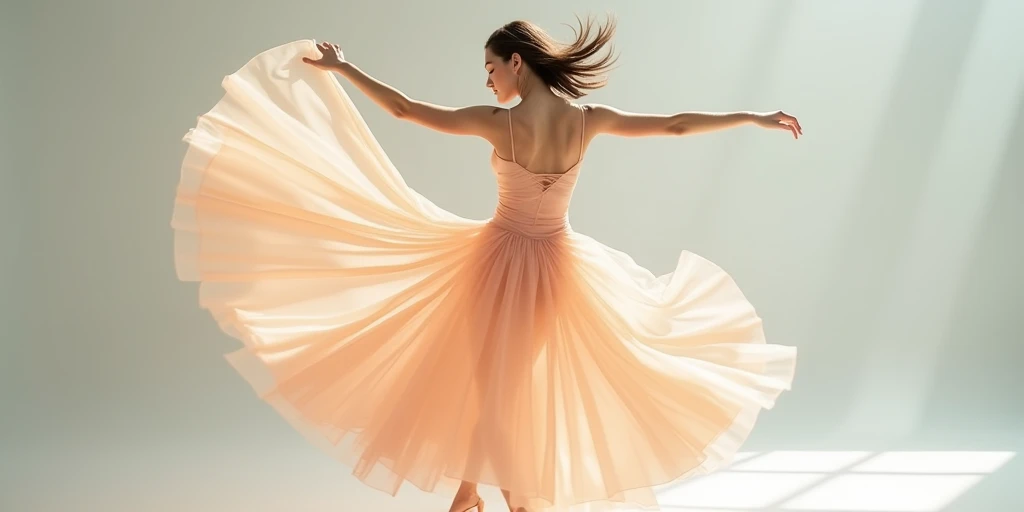
💃 Example 2:
A girl dances gracefully under moonlight, butterflies circling her fingers.
https://www.seaart.ai/zhCN/explore/detail/d1i9l8te878c73a9mo10
🌟 Creative Tips
- Great images + detailed prompts = stunning videos
- Explore different themes and camera styles
- Use community samples to learn and be inspired
Unleash your creativity and turn still moments into living stories with AI.
Start your journey now!