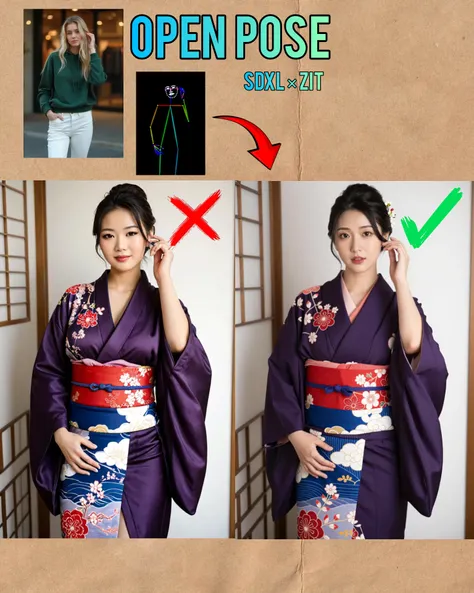
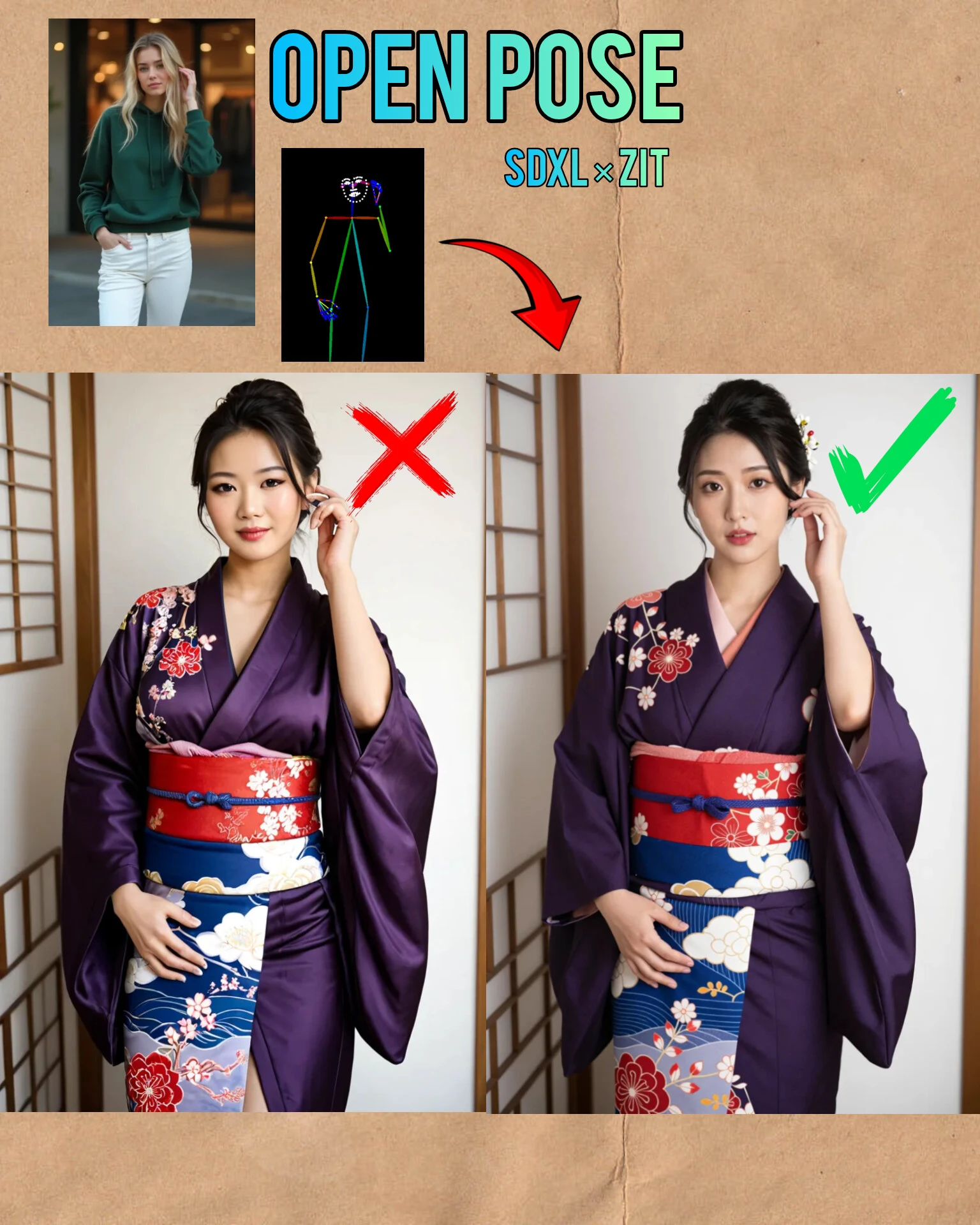
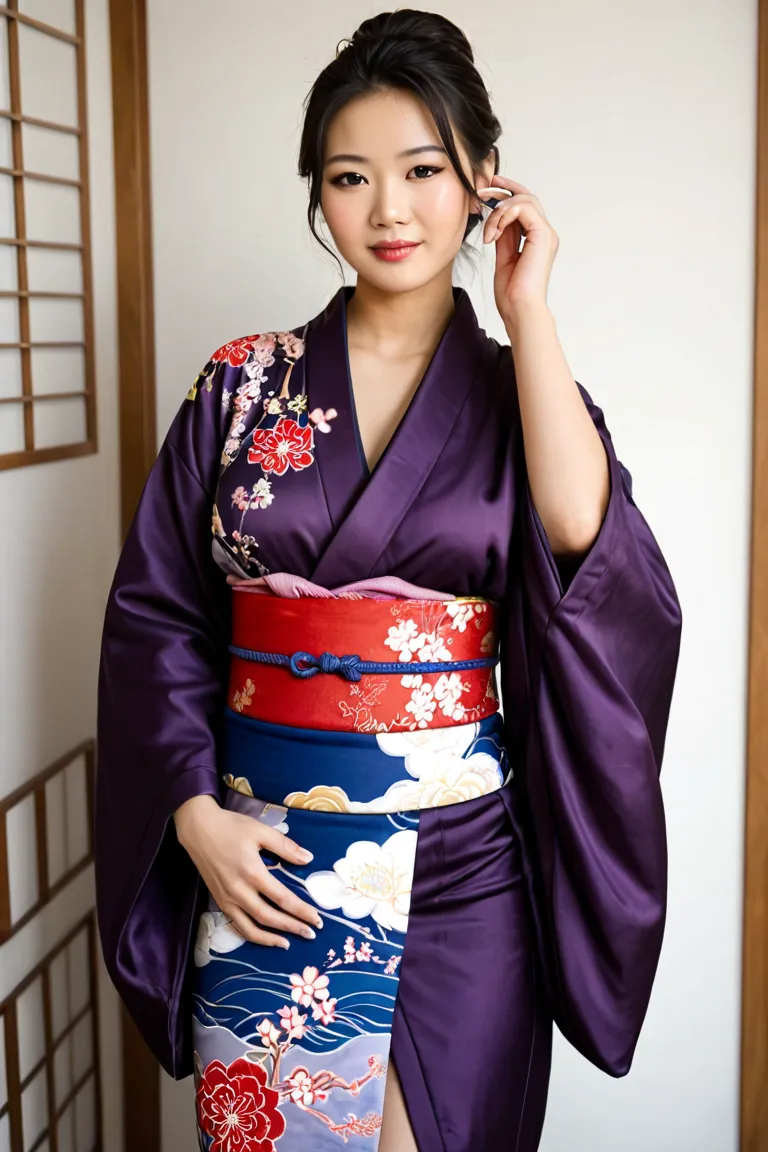
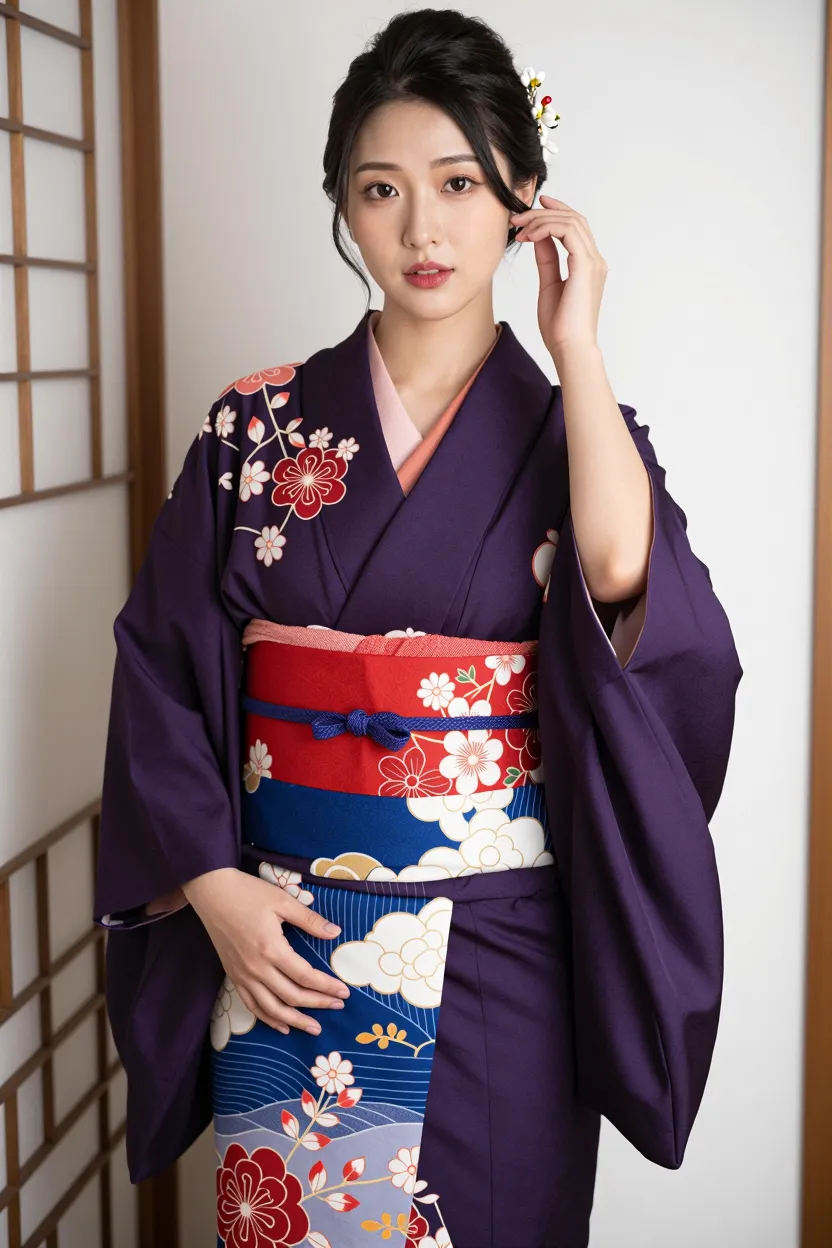
Leverage Open pose SDXL for generating detailed open pose images, enhanced by Z Image Turbo inpainting for realism.

Open pose SDXL workflow focuses on creating detailed open pose image structures, utilizing ControlNet and SDXL's capabilities for capturing dynamic poses and intricate anatomical details. Experience customizable pose options to enhance character depiction and storyboarding potential.

Z Image Turbo inpainting refines SDXL generated images by filling in visual gaps, ensuring enhanced realism and texture detail. Achieve high-fidelity picture adjustments suitable for realistic scenarios and visual storytelling with improved surface rendering.
Create Initial Open Pose Image
Begin by running the Open pose SDXL workflow to generate your base open pose image. Ensure pose accuracy and base detailing.
Inpaint with Z Image Turbo
Utilize Z Image Turbo to smoothen and enhance the generated image. Adjust parameters to ensure realistic texture and detail fidelity.
Finalize and Download
Evaluate the final image for realism and quality, then download it to your device for immediate use in your projects.
What makes Open pose SDXL × Z Image Turbo workflow effective?
This workflow combines open pose generation with advanced inpainting, creating images with higher realism and detailed anatomical accuracy, improving visual storytelling and character portrayal.
How does the comfyui-inpaint functionality contribute to image realism?
Comfyui-inpaint uses Z Image Turbo to fill visual gaps and enhance surface texture, which improves the realism and quality of open pose images, perfect for narrative or scenario planning.