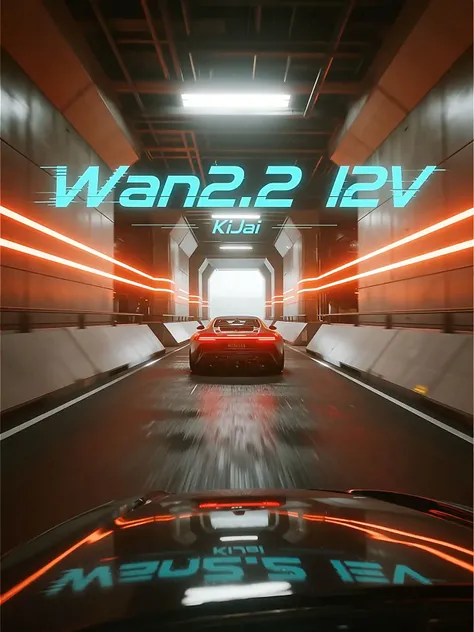
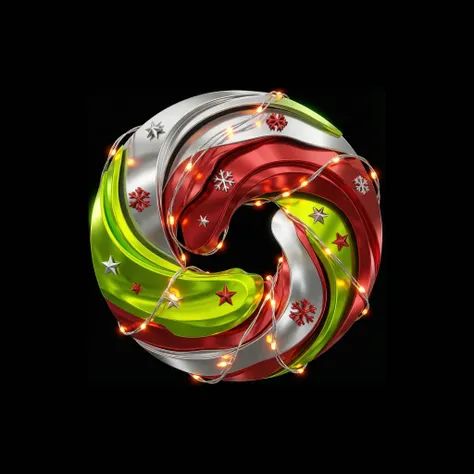
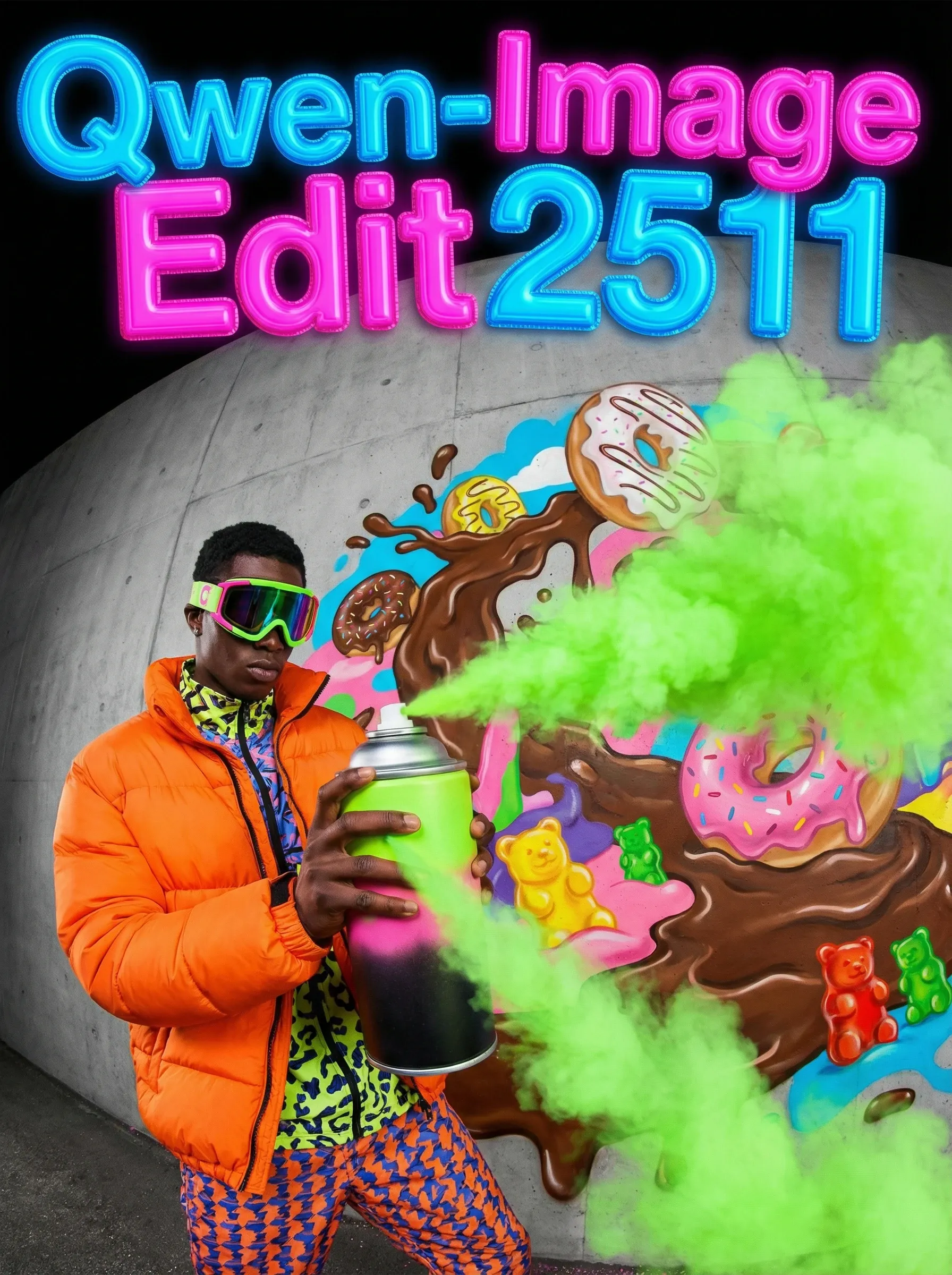
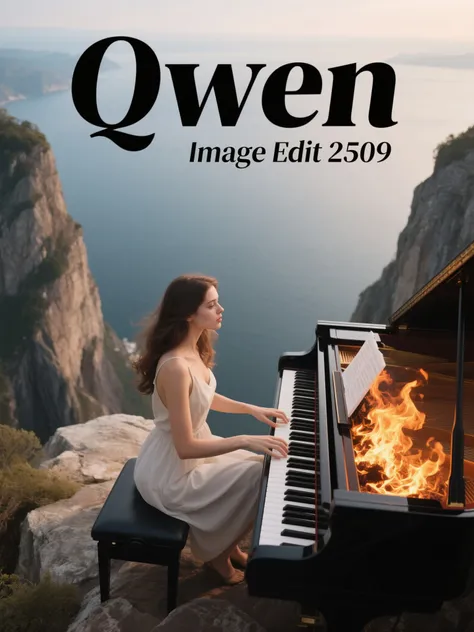
Upload an image to generate a coherent clip, with improved subject stability and more natural motion. It helps transitions from still to moving feel smoother and more “shot‑like,” for character art animation, product motion showcases, social poster effects, and creative previs.

Better locks key visual traits (face, outfit, object shape/colors) across frames, reducing drift as motion increases.

Handles action continuity better and reduces jittery, abrupt glitches for more usable shots.

With dense textures, many elements, or complex lighting, it’s less likely to blur out or break structure during motion.
Upload image
In the Load Image node, upload the image you want to animate
Prompt + duration
Describe the next visuals and set video length (24 frames ≈ 1 second)
Generate
Click Generate and wait a moment to view the result
What composition works best for the input image?
Use a clear subject, safe margins, and a layered background. Don’t place the subject on the edge, and avoid tiny text or dense icons—they often disrupt motion.
I only want camera motion—how should I prompt to avoid deformation?
Explicitly say “keep the subject unchanged / no deformation / ????????? change.” Limit changes to camera moves (slight push‑in, slow pan/track, mild DOF shift). Avoid words that imply shape change (transform, melt, reshape).