Create private works that are only visible to yourself.
[Private Creation] is a premium feature that is available after becoming an SVIP.
Already the end
No Data
No Data
Details
Related Works
Report
Not Interested
Original
12-second TikTok girlfriend style video
684
0
184
2026-03-06 03:49:53 Update
#Video Generation
#Unique Experience
#Seedance2.0🔥🔥
#long video
#longvideos
...View More
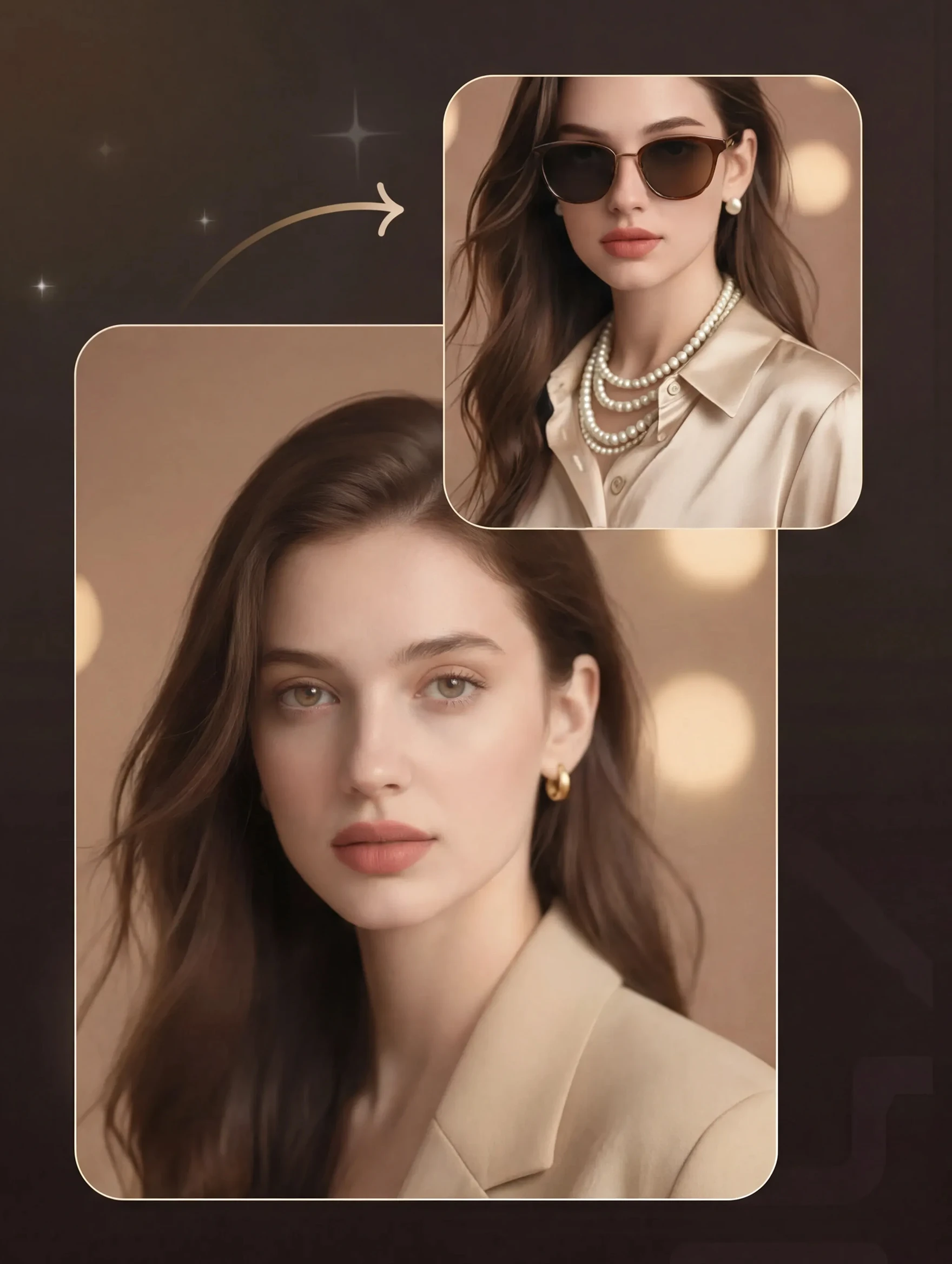
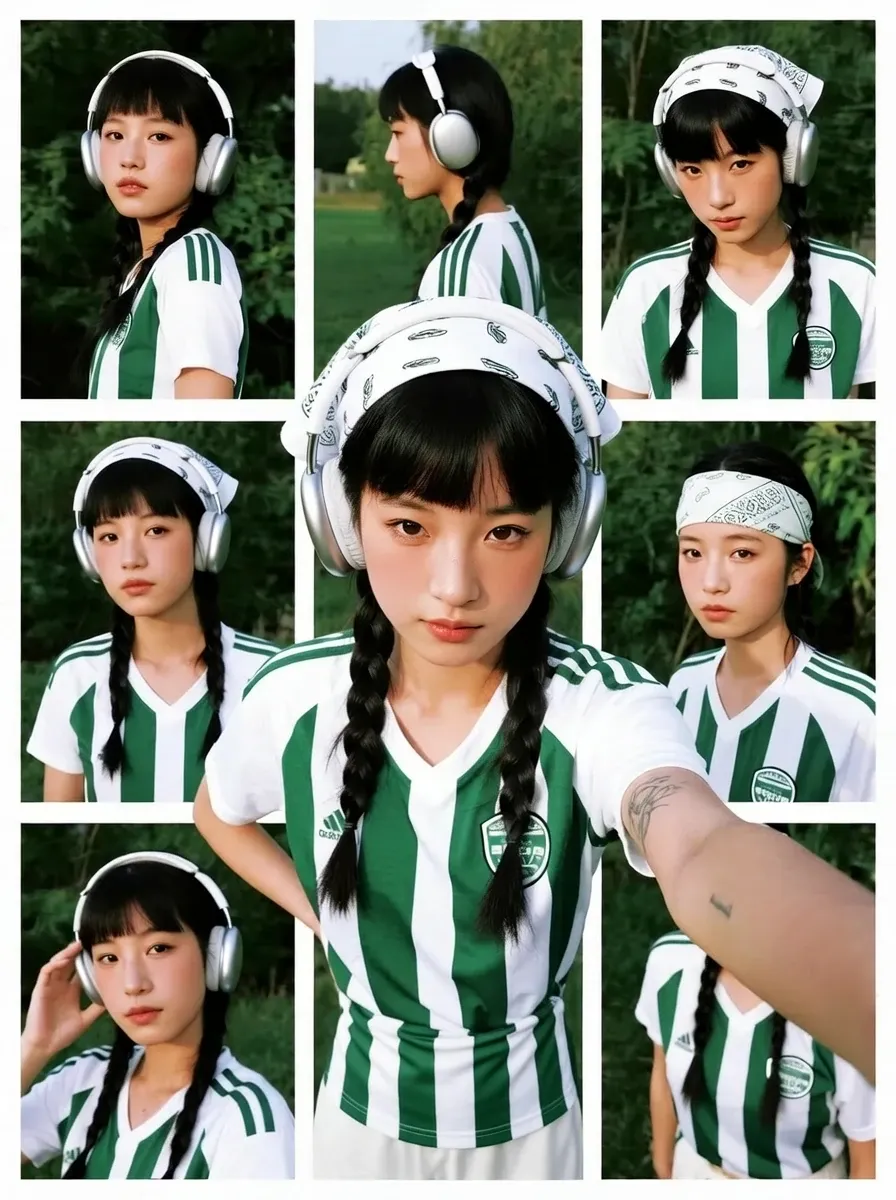
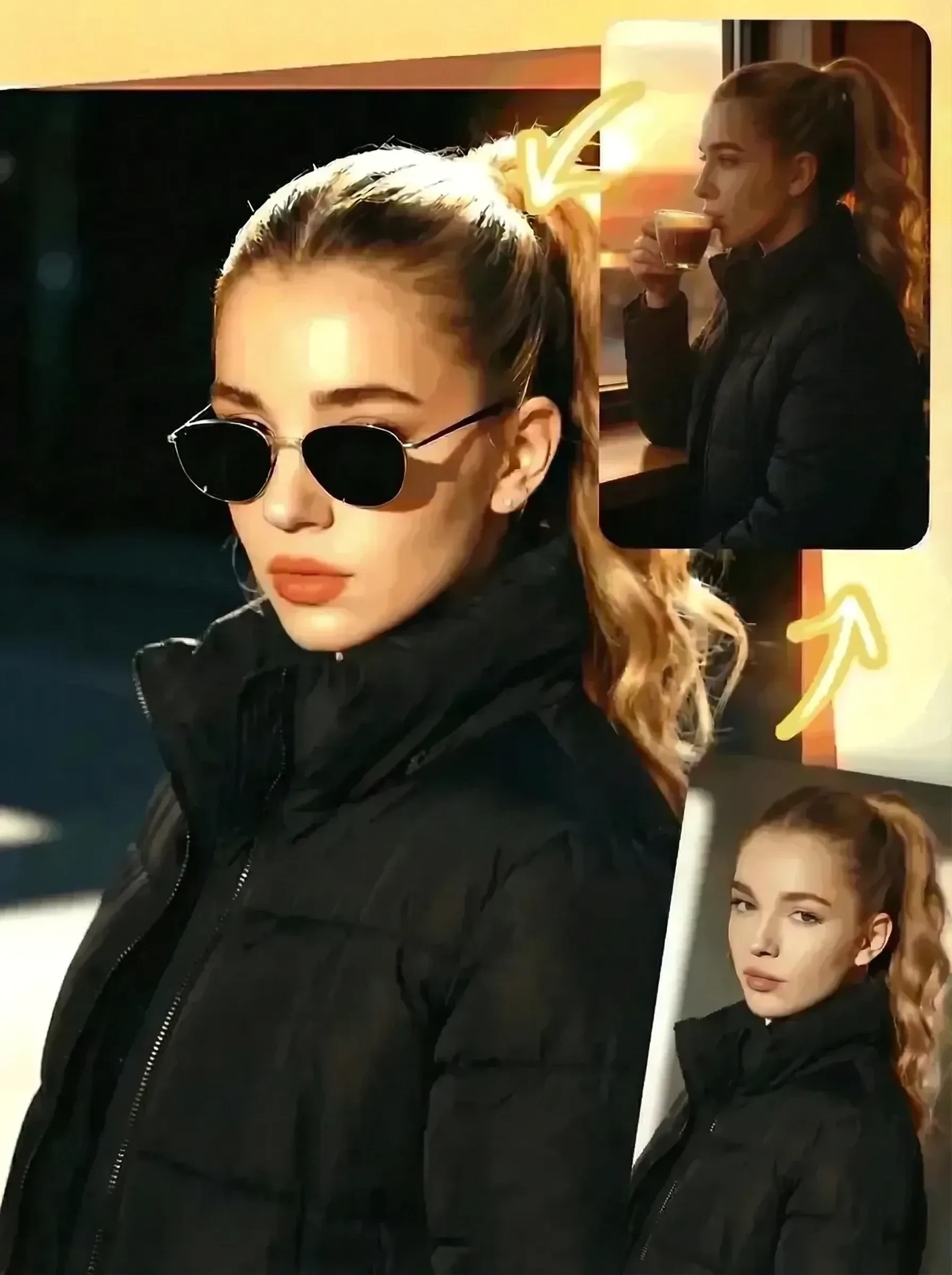
Upload your favorite characters, enter your desired plot, character dialogues, and character language to generate a 12-second TikTok girlfriend-style video
Continue your AI creation journey on mobile devices
Why This Girlfriend Video Tool Stands Out on SeaArt AI
Results in Minutes
Type the plot, add the dialogue, and hit Generate. The tool handles character rendering, scene animation, and voice automatically.
Choose Her Language
Select the language your AI girlfriend speaks - English, Chinese, Japanese, Korean, Spanish, and more are available to match your audience.
Download Without Watermark
Every girlfriend video you generate downloads clean - no watermark, no branding overlay. Post directly to TikTok or any platform without additional editing.
No Download Required
The girlfriend video generator runs entirely in your browser. Open SeaArt AI, upload your photo, fill in the fields, and generate.
AI Girlfriend Video Generator: Create Your Dream Girlfriend Video
Write Her Scene and Her Lines
Enter a scene like "She's at a night market, holding a lantern, turns to smile at you" and type her exact line: "Don't get lost again." The tool builds every frame around your input - her movements, expressions, and lip-sync follow your scene description and dialogue word for word.
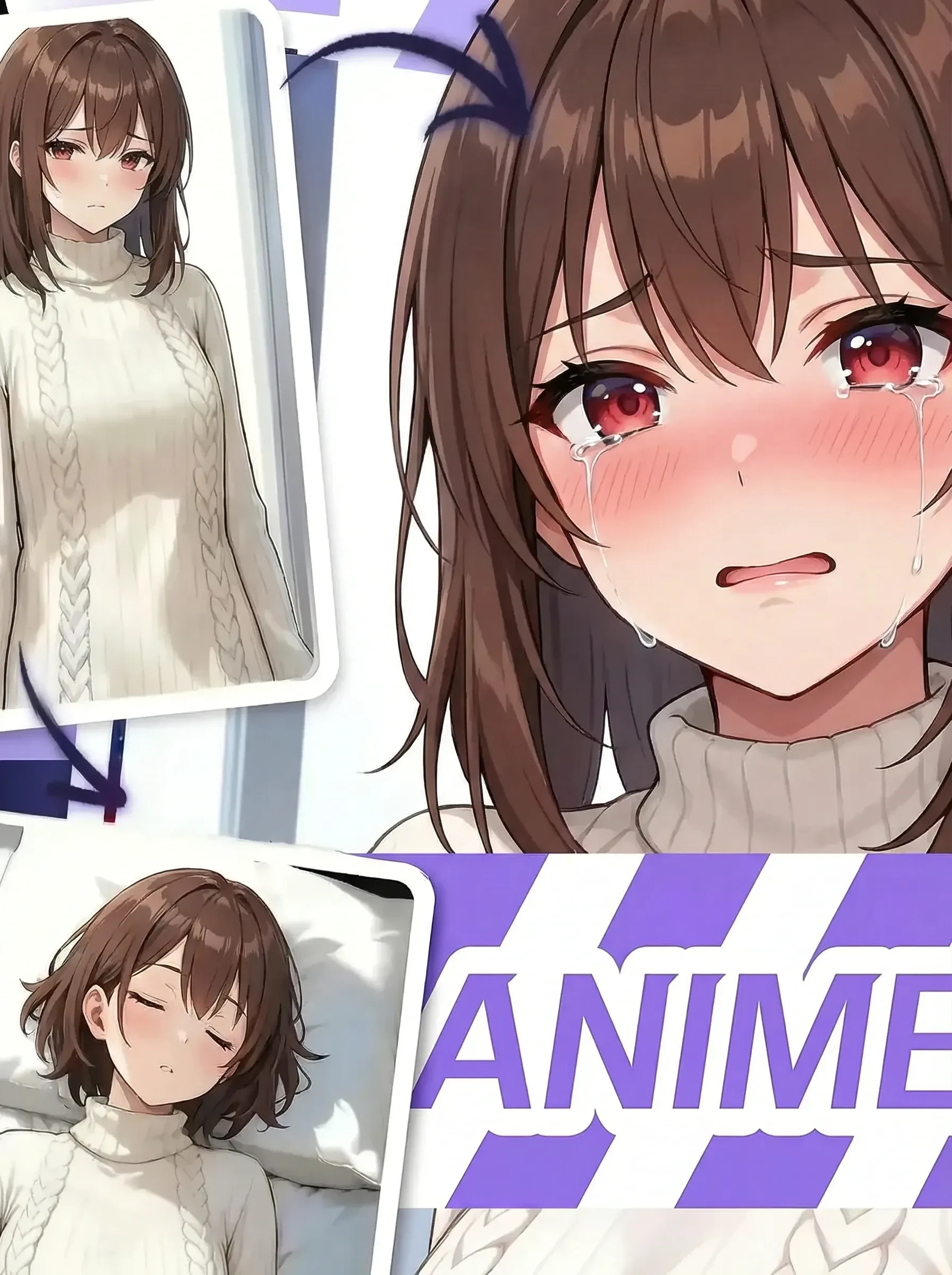
Upload any portrait - anime art, an illustration, or a real photo - and that face stays consistent across all 12 seconds. Run multiple clips with different plots and your character looks identical in each one. For creators building a series, this keeps every video visually connected.
Hit Generate and the tool handles the rest. Character rendering, lip-sync, voice performance, and music mixing all run in a single pass. No timeline editing, no audio mixing, no export settings. The finished 12-second clip is ready to download and post.
Add a clear portrait of your chosen character - anime, illustration, or real photo all work.
Enter Plot, Dialogue and Music
Write her scene description and dialogue, then upload a background music track to set the mood.
Generate and Download
Hit Generate and receive your 12-second TikTok-ready girlfriend video.
Start Your First Girlfriend Video for Free
Follow the steps above - upload, write, generate. Your TikTok-ready girlfriend video downloads in seconds. Want a still portrait of your AI girl instead? Try the AI girlfriend generator on SeaArt AI. Looking for an AI chat companion? Girlfriend GPT has you covered.
This tool creates short character-driven videos where an AI girl speaks scripted dialogue within a specific scene you write. You upload a character photo, enter a plot and her lines, and the tool produces a finished TikTok-style video clip - no editing software required.
How is this different from an AI girlfriend chat?
AI girlfriend chat tools create text or voice conversations in real time. This tool generates a finished video - a 12-second clip where the character moves, speaks your dialogue, and reacts within a visible scene you described.
Can I use any character photo?
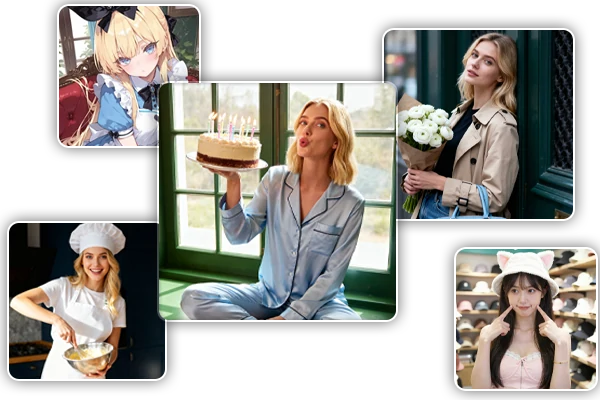
Any clear portrait photo works as the character source - photos from games, anime, illustrations, or real people are all compatible. The tool reads the face from the image and applies it to the generated video.
What languages can my AI girlfriend speak?
The tool supports multiple languages including English, Chinese, Japanese, Korean, and Spanish. Select the language when entering the scene setup, and the generated dialogue plays in that voice style.