Dear SeaArt ComfyUI users
2026-06-17|Issue 06
Thank you for your continued attention and support!As usual, we are sharing recent ComfyUI node/resource updates with everyone, so you can get the latest update information as soon as possible.
This ComfyUI version update supports the following models:
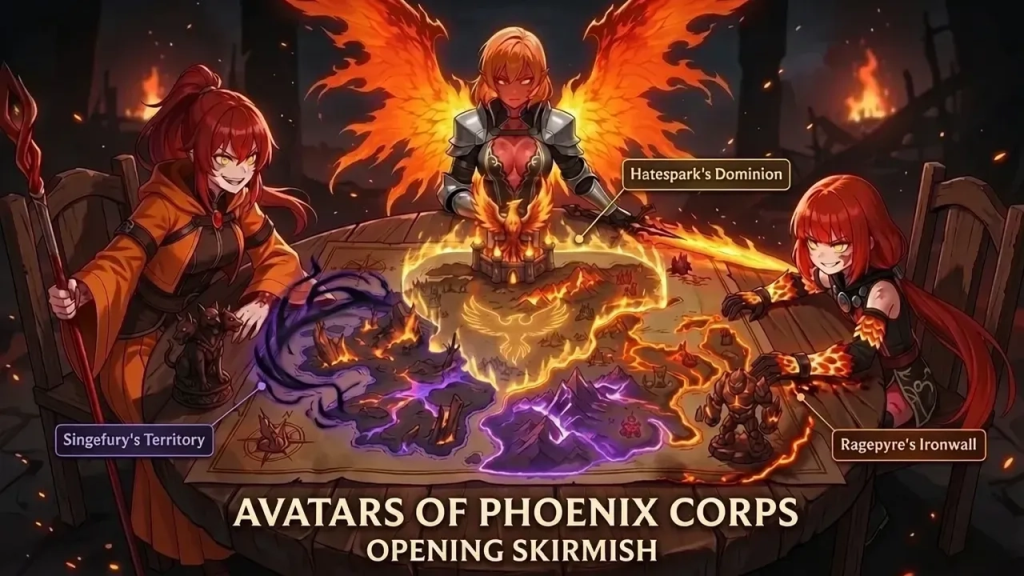
HiDream-O1-Image
HiDream-O1-Image is an image generation foundation model open-sourced by HiDream-ai under the MIT license. ComfyUI has now officially supported it, and you can experience it right away! Say goodbye to traditional VAEs and separate text encoders, and handle image generation, editing, and personalization in a “one-stop” way.
Workflow address:
https://www.seaart.ai/zhCN/workflow-comfyui/d83eaale878c73devnng
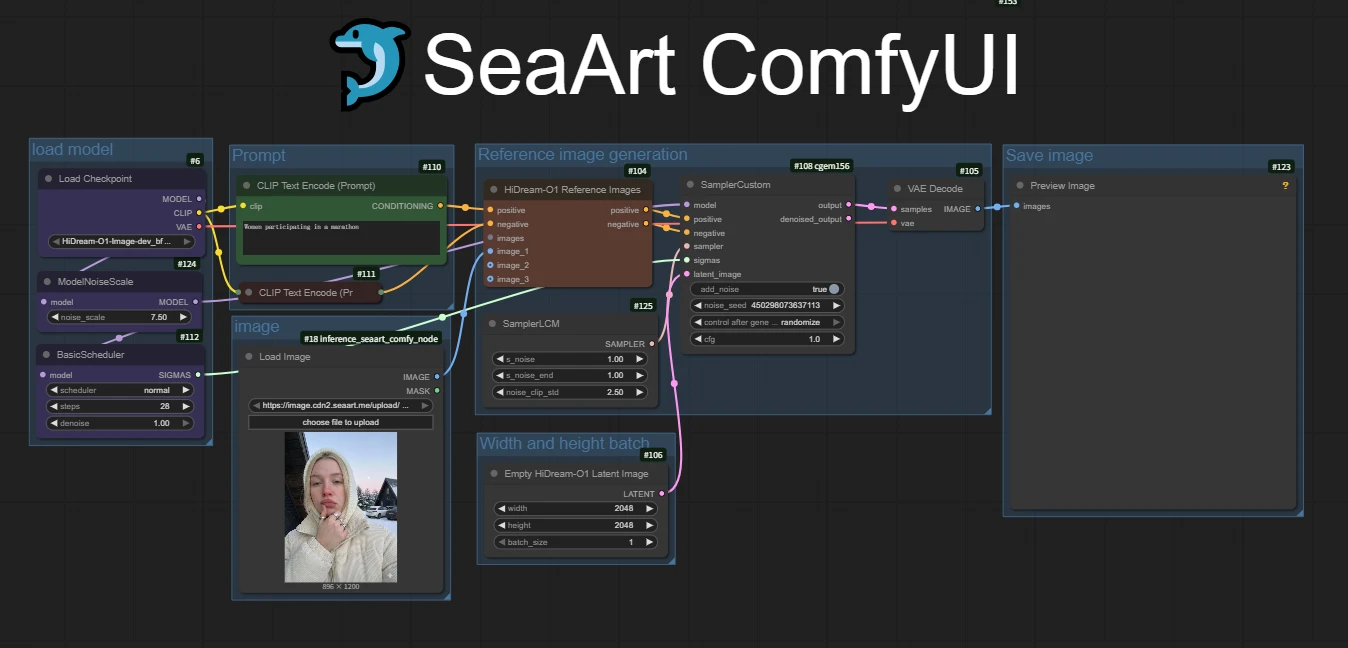
Lens
Microsoft Lens is a newly open-sourced efficient image generation model from Microsoft Research. ComfyUI has now officially supported it! It proves with the idea of “less is more” that a model does not need to be bulky to create stunning works.
Workflow address: https://www.seaart.ai/zhCN/workflow-comfyui/d8gkikle878c7390dsi0
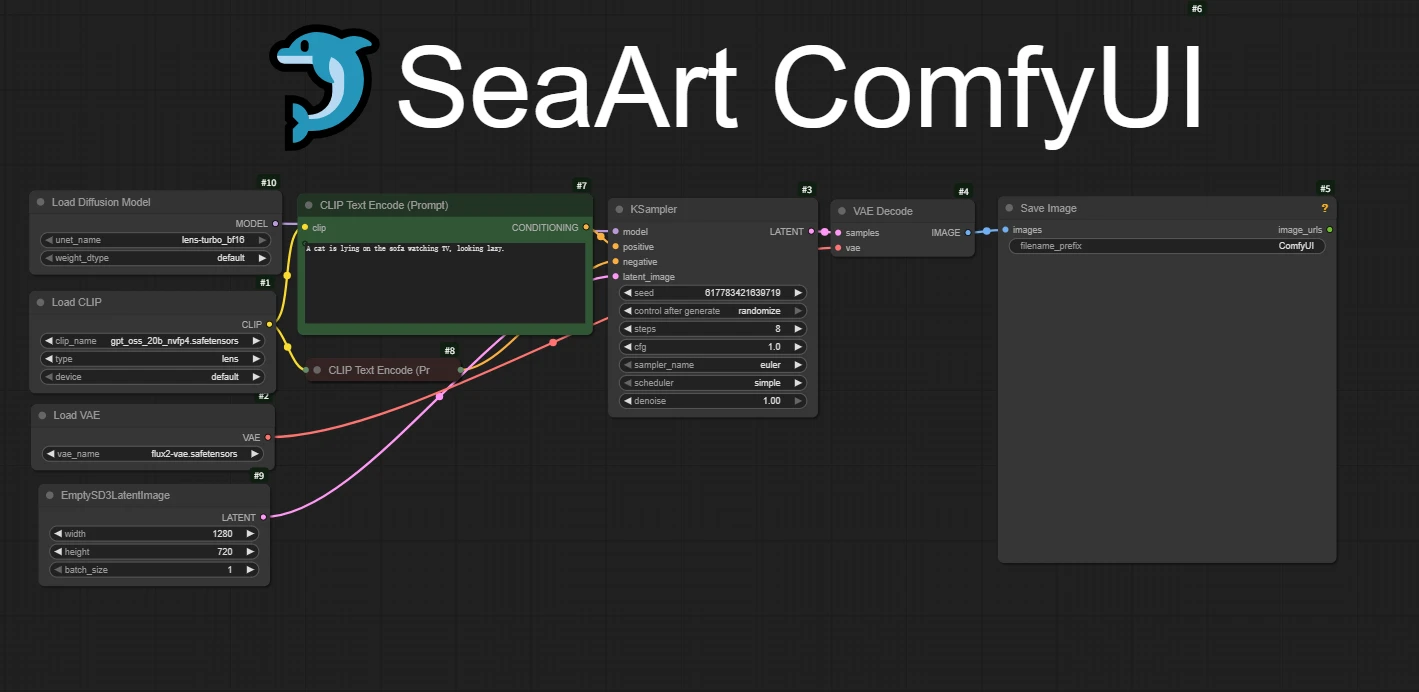
TripoSplat
TripoSplat is a single-image-to-3D Gaussian Splat model jointly open-sourced by VAST-AI and TripoAI under the MIT license. ComfyUI has now officially supported it. No multi-view shooting is needed; one image can quickly generate an interactive 3D asset.
Directly turn a 2D image into a 3D Gaussian Splat, what you see is what you get, with no modeling required.
Workflow address: https://www.seaart.ai/zhCN/workflow-comfyui/d8gl7nte878c73avvaig
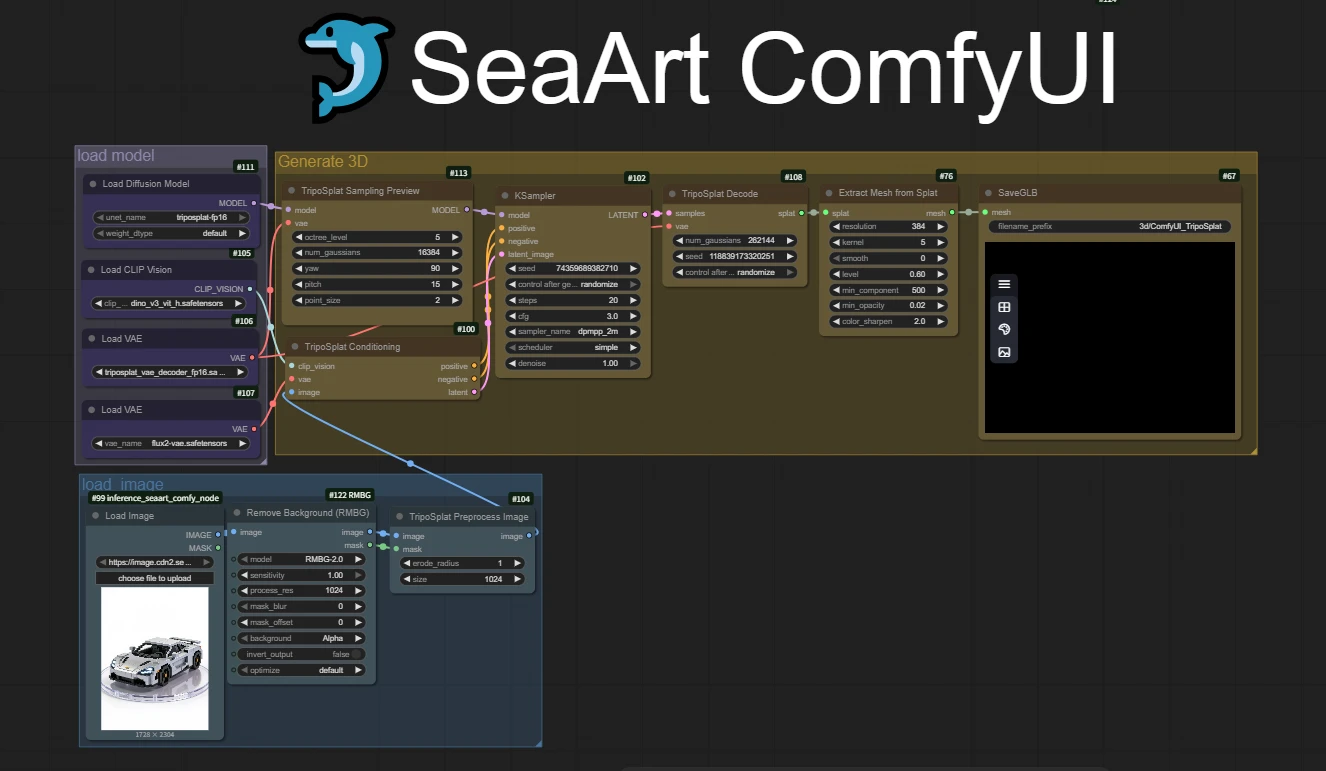
Ideogram 4
deogram 4 is a new open-weight image generation foundation model released by Ideogram in June 2026 and is now connected to the platform. It focuses on design-level controllability and top-tier text rendering, and is one of the few image models in the current open ecosystem that can be trained from scratch and natively supports structured prompts. A 9.3-billion-parameter “design-oriented artist” — it not only understands images, but also typography, layout, color matching, and text.
● Top-tier text rendering: Industry-leading multilingual text generation quality, with more controllable font layout in posters, logos, and UI screenshots
● Structured JSON prompts: Precisely describe element styles, bounding-box positions, and color palettes, upgrading “descriptive creation” into “parameterized design”
● Native 2K high definition: Supports free resolution within the 256–2048px range and multiple aspect ratios, with no extra upscaling required
Workflow address: https://www.seaart.ai/zhCN/workflow-comfyui/d8jtmd5e878c7388idi0
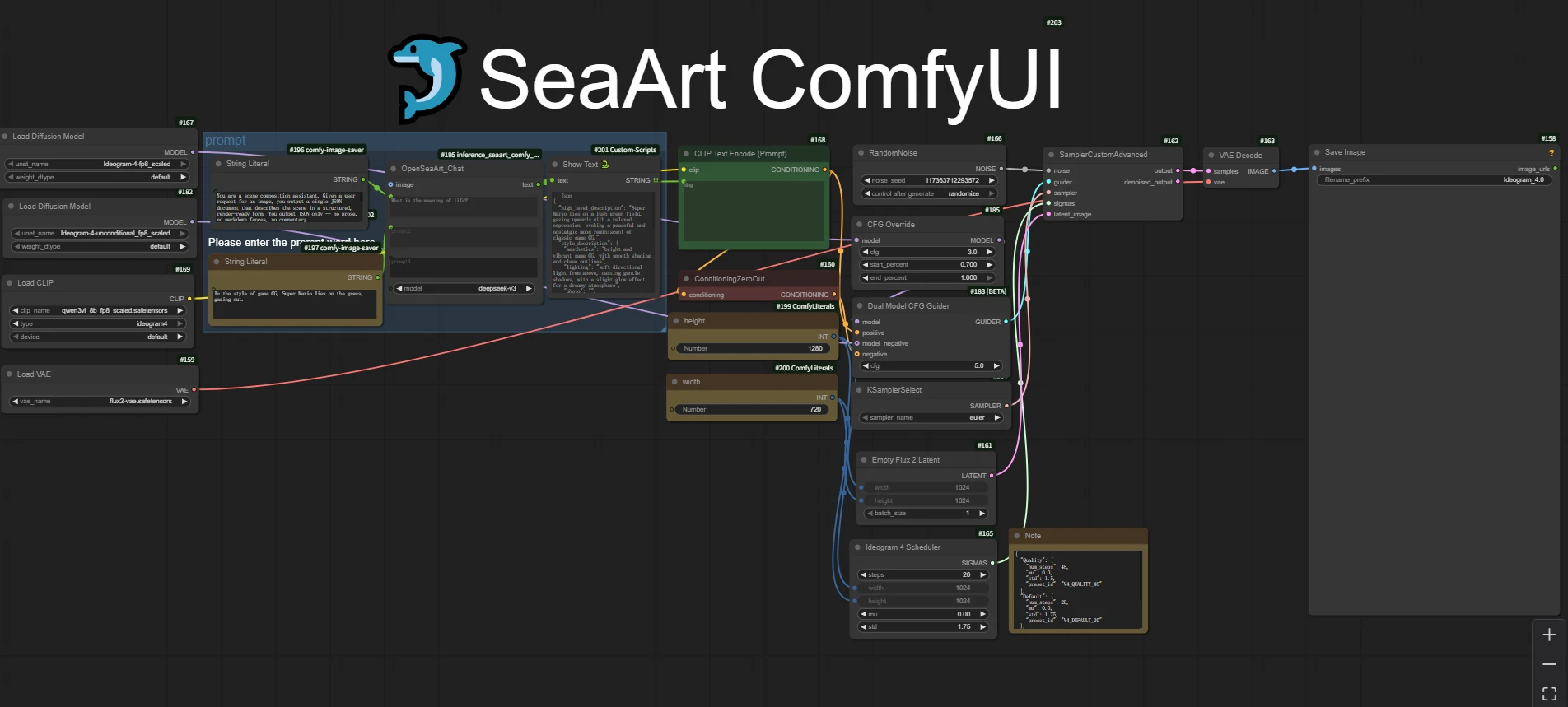
Note: This node is currently being adapted, and the selection feature may not be visible for now.
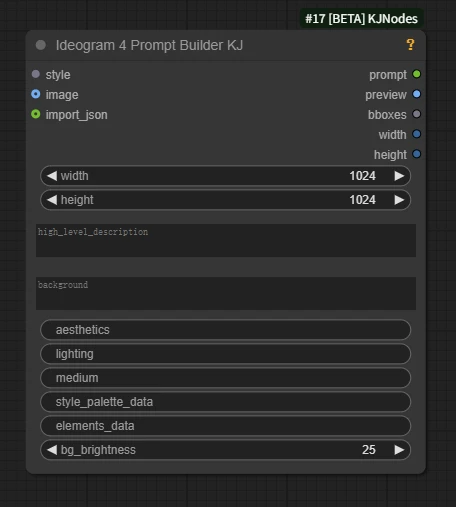
Plugin Node Updates
Anima-LLLite
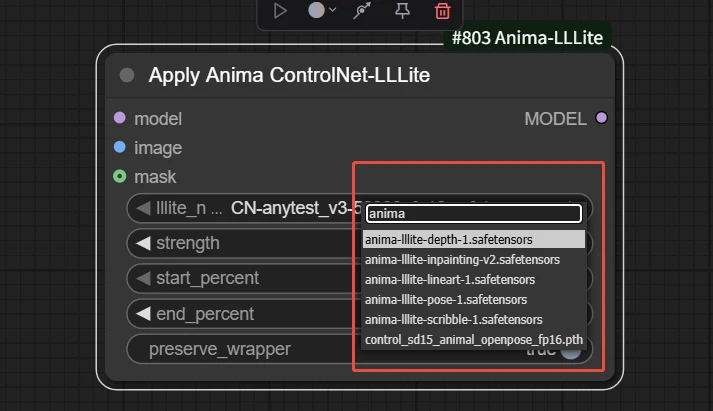
New node: Apply Anima ControlNet-LLLite: Adds extra ControlNet control capabilities to Anima, such as pose, depth, local inpainting, and more. Supports stacking multiple LLLites together, such as applying pose + depth at the same time.
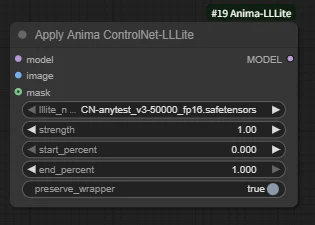
comfyui-ZoeyTool
A set of workbench nodes that allows you to install fewer external software packages in ComfyUI. Image processing, video processing, translation, prompt generation, batch renaming, previewing — it is simply a multifunctional ComfyUI tool!
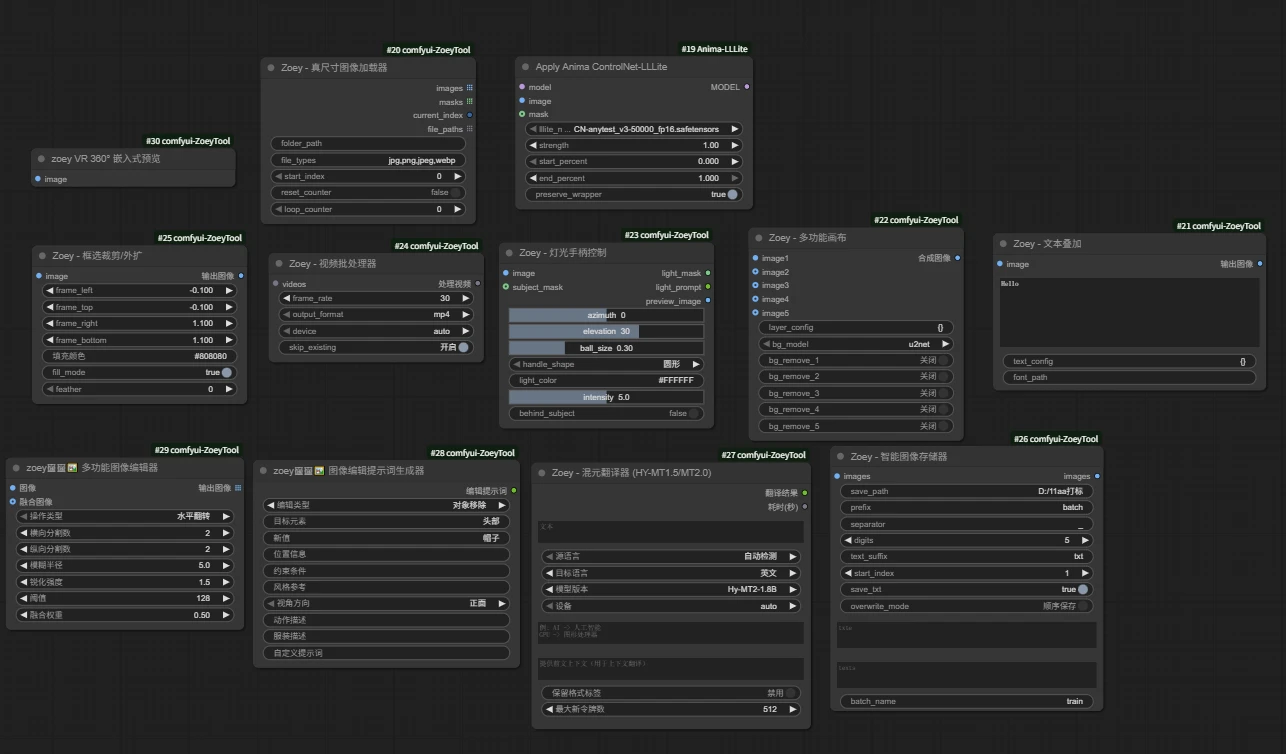
ComfyUI-AsymFLUX2
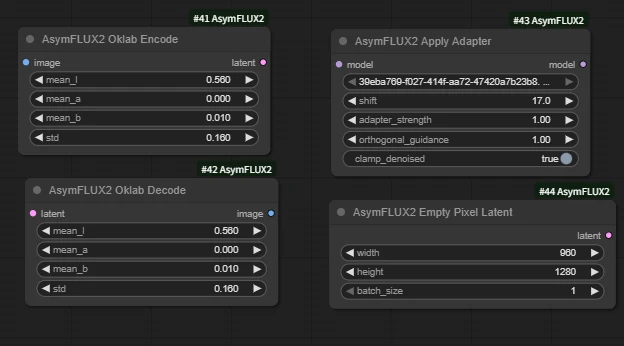
Its function is to load the AsymFLUX.2 adapter onto the FLUX.2-klein-base-9B model, allowing users to use AsymFLUX.2 for text-to-image generation in ComfyUI.
10S-Comfy-nodes
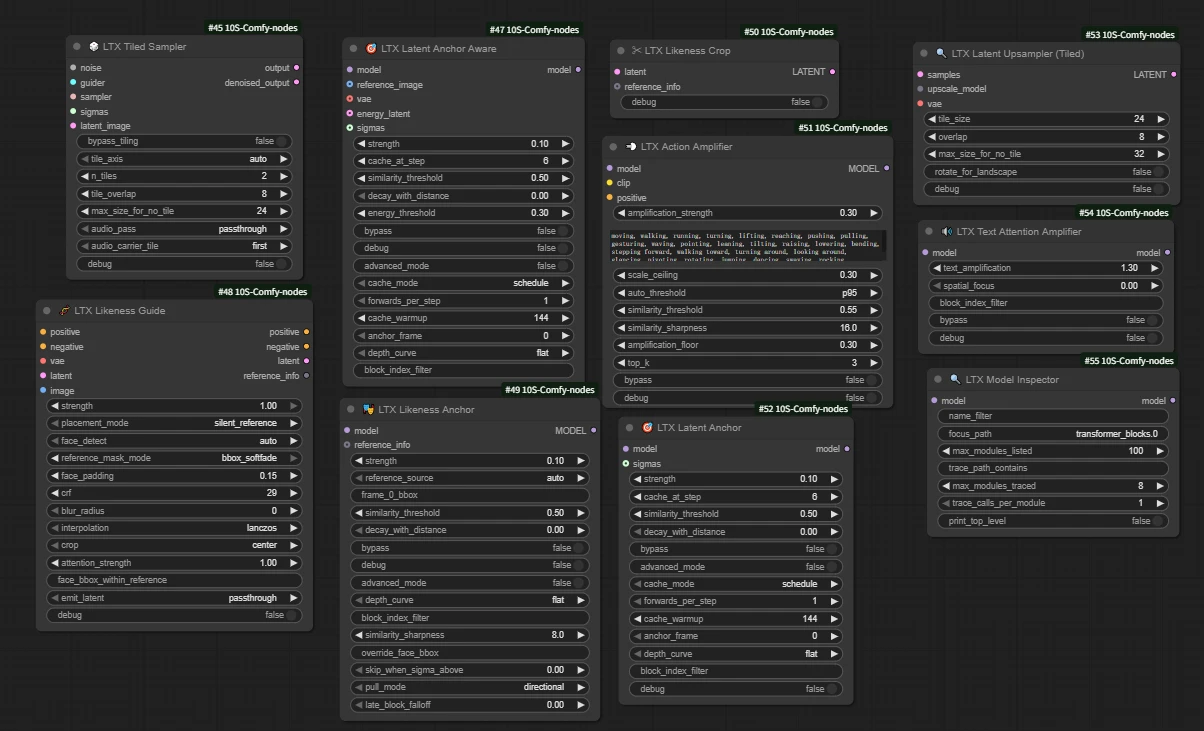
10S Nodes for ComfyUI is a set of custom nodes mainly designed for LTX2 / LTX-AV video models, focusing on solving three types of issues: character consistency, latent stability, and quality degradation during second-pass sampling after video upscaling.
ComfyUI_KleinTiledUpscaler
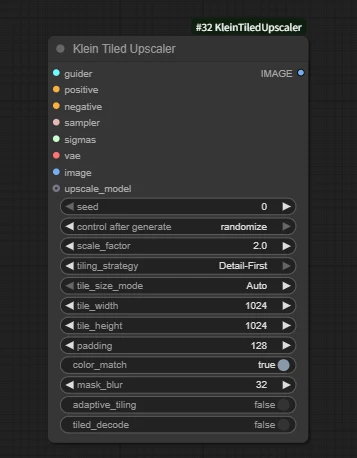
Klein Tiled Upscaler is a tiled upscaling node for ComfyUI, specially designed to work with Flux2.Klein.
It does not directly upscale the entire image through interpolation. Instead, it cuts the image into tiles, uses an inpainting-style approach to let the model “redraw” each tile, and then stitches them back together. So it is more of a creative upscaler: not simply sharpening, but letting AI add more textures and details during the upscaling process.
Anzhc-ComfyUI-Cosmos-Reference
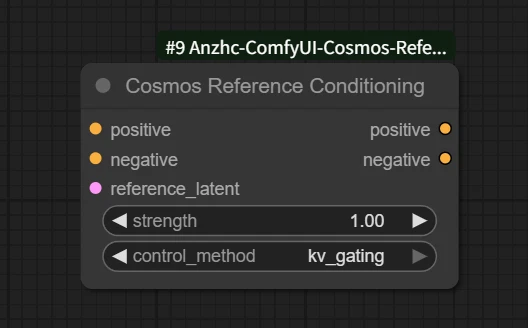
It is a node package that lets the model “reference the latent variables of another image” during generation, used for experimental node combinations together with the Anima model Control LoRA model.
Resource Updates (Models/static resources, etc.)
The newly added/updated model resources in this issue are as follows:
Text-Encoders
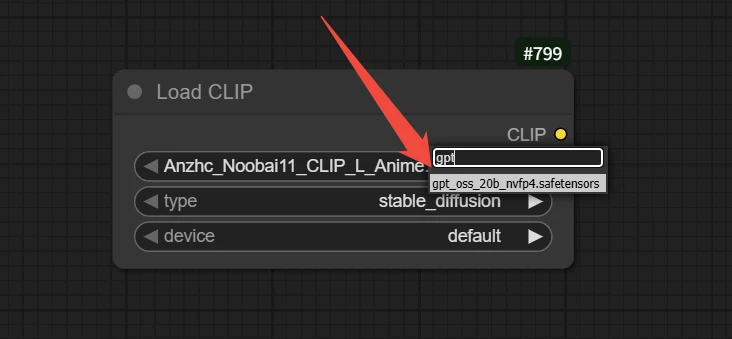
Added gpt_oss_20b_nvfp4, supporting the Lens model
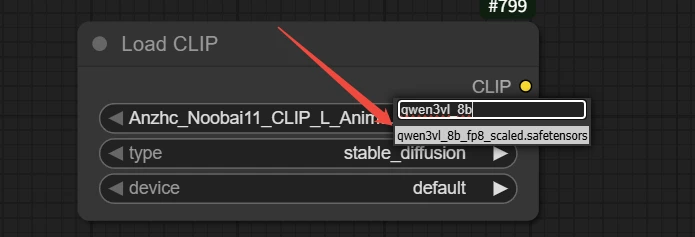
Added qwen3vl_8b_fp8_scaled, supporting the Ideogram-4 model
vae
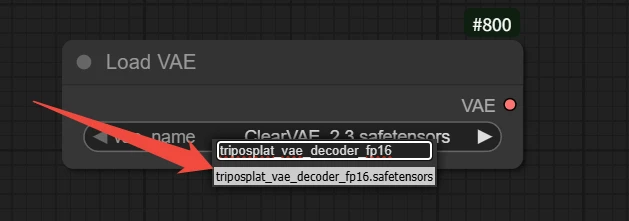
Added triposplat_vae_decoder_fp16, supporting the TripoSplat model
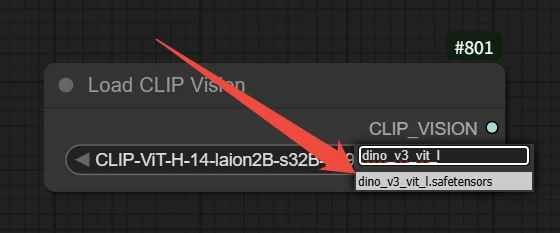
clip_vision
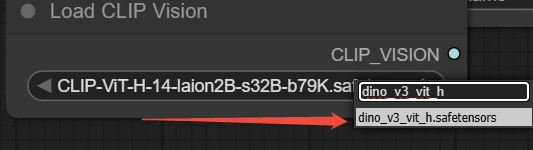
dino_v3_vit_h
dino_v3_vit_l
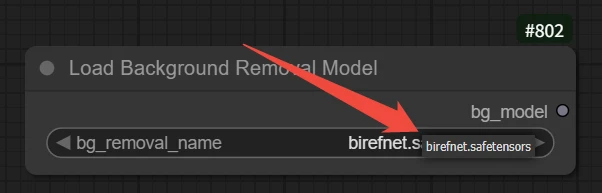
Load Background Removal Model
birefnet
Apply Anima ControlNet-LLLite
anima-lllite-depth-1.safetensors
anima-lllite-inpainting-v2.safetensors
anima-lllite-lineart-1.safetensors
anima-lllite-pose-1.safetensors
anima-lllite-scribble-1.safetensors
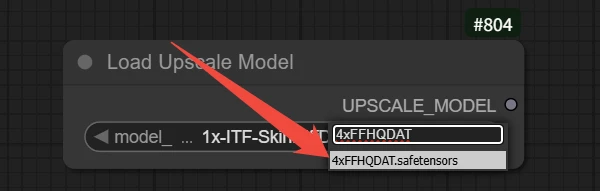
Load Upscale Model
4xFFHQDAT
Issue Fixes
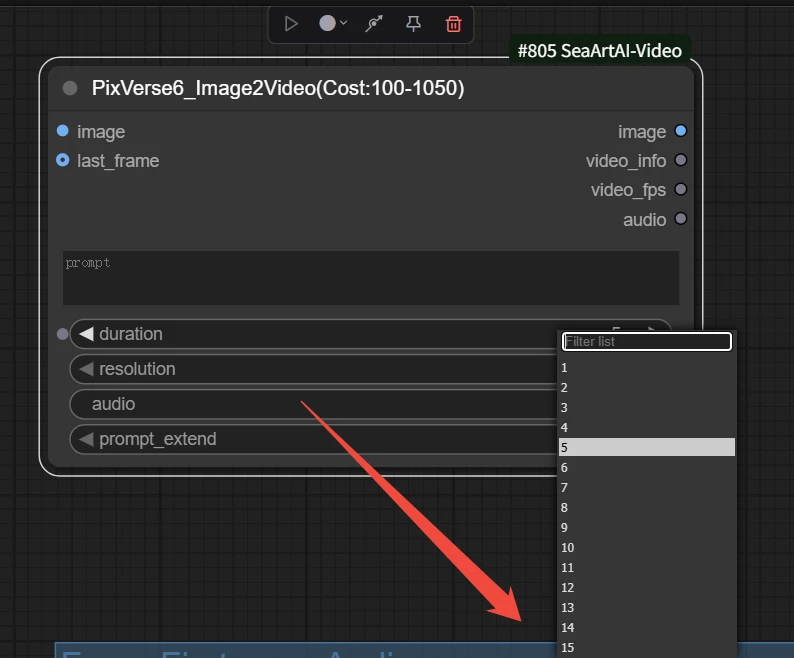
The issue where the PixVerse6_Image2Video node did not support 15s has been fixed.
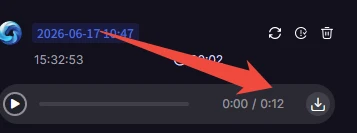
The issue where audio could not be saved in comfyui has been fixed.
________________________________________________________________________________________________________________________________________