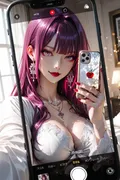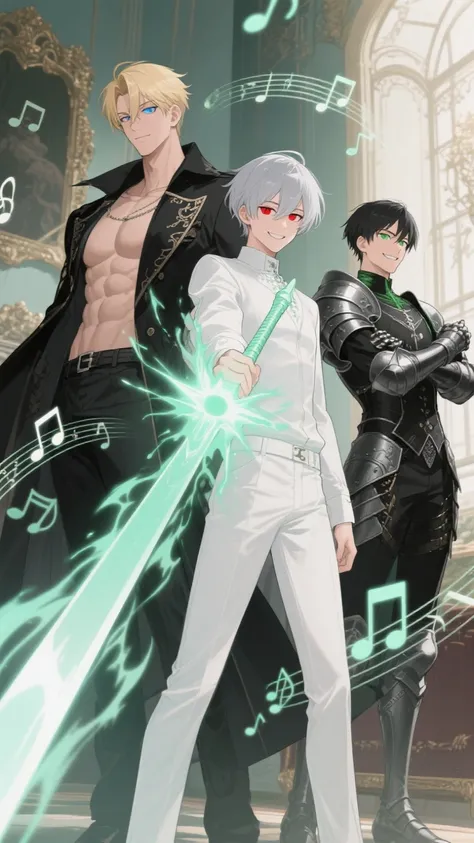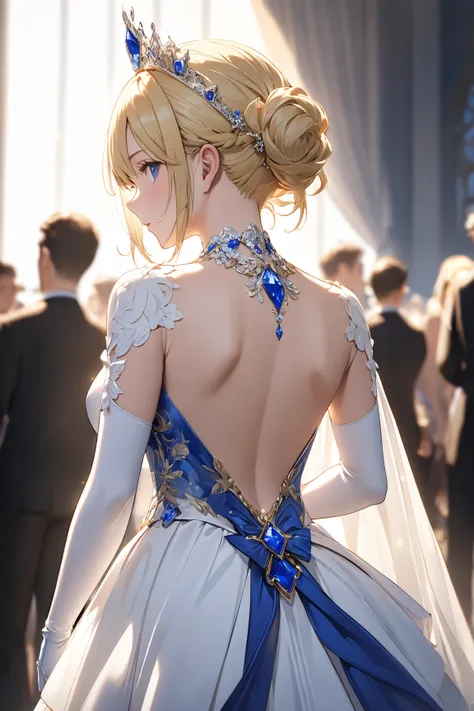
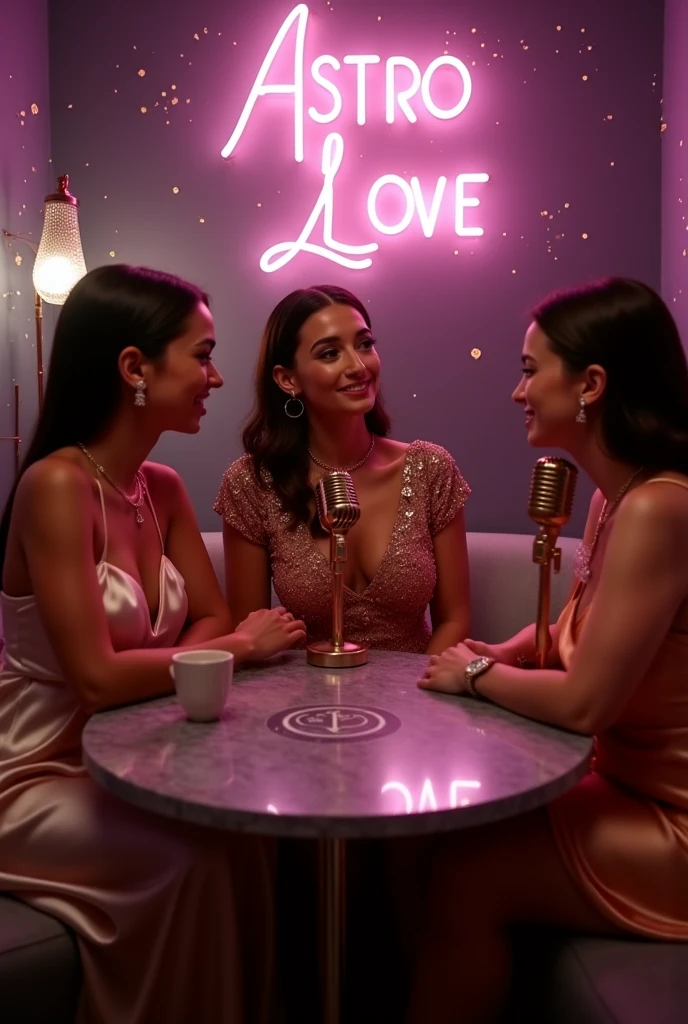
From “Where do I click?” to “Wow, I made this!” — your creative journey starts now.
🎬 Introduction
Remember the first time you opened SeaArt?
You had a vision—maybe a glowing elf queen, a futuristic city, or an anime version of yourself—but were immediately overwhelmed by prompts, models, and sliders.
Been there. I’ve struggled through it, figured it out, and now I’m here to make it way easier for you.
In this step-by-step guide, you’ll learn:
- How to create stunning AI images in minutes
- The best settings for beautiful results
- How to join contests and boost your visibility
- Advanced tricks like training your own AI avatar
Preparation: What You’ll Need
A free SeaArt account → https://www.seaart.ai
A theme or inspiration (cyberpunk? fantasy? anime? realistic?)
Optional: reference images or keywords to spark ideas
💡 Tip: The clearer your vision, the better your results!
Create Your First AI Image in 5 Minutes
Goal: Generate a professional-looking image with zero experience.
Step 1: Choose the Right AI Model
- Click on “Image Creation” in the side menu
- Select a model at the top of the page: DreamShaper – Elegant artistic style , Realistic Vision – Perfect for photo-like portraits, Anything V5 – Great for anime & manga, SeaArt Custom Models – Unique community-trained styles
- 💡 Pro Tip: Hover over each model to preview the output style.
Step 2: Write a Great Prompt (The Magic Spell)
Example prompt : kotlinCopierModifierportrait of an elven queen, glowing forest background, magical light, fantasy style, shining eyes
Enhance it with modifiers: masterpiece, ultra-detailed, 4k, cinematic lighting
Quick Win: Use the Prompt Library for ready-made ideas you can customize.
Step 3: Adjust the Settings
| Setting | Suggested Value |
|---|---|
| Resolution | 512x768 (portrait) or 768x512 (landscape) |
| Steps | 25–30 for more detail |
| CFG Scale | 7–9 (controls how closely the model follows your prompt) |
No stress: Start with the defaults. You can always fine-tune later.
Step 4: Generate Your Image
- Click “Generate”
- Wait a few seconds...
- Enjoy your AI masterpiece!
If you're not satisfied:
- Hit “Regen” for a new variation
- Or tweak your prompt slightly
✨ Prompt Tip: Even a single word can dramatically change the outcome.
Step 5: Enhance and Perfect
- Use “Upscale” to improve image quality
- Try “Remove Background” for clean cut-outs
- Use “Inpainting” to fix details or replace specific areas
Create a Custom AI Avatar (Train Your Own Model)
- Navigate to Model Training > Create Personal Model
- Upload 5–10 clear photos of yourself (different angles, good lighting)
- Let the system train (takes about 30 minutes)
- Use your model to generate highly personalized AI art
📸 Important: Use high-quality, filter-free, well-lit images for the best results.
Join Events & Win Contests
- Click the “Event” tab or homepage banners
- Follow the theme and guidelines provided
- Use recommended models if listed
- Include hashtags and submit through the interface
💥 Winning Tips: Add a creative story or caption Generate multiple versions and submit your best Browse other entries for inspiration, not imitation.
roubleshooting: Fixing Common Issues
| Problem | Solution |
|---|---|
| Blurry or distorted faces | Increase steps or use the face fixer tool |
| Broken hands | Change the pose or crop hands out of the frame |
| Flat colors or lighting | Add prompts like “dramatic lighting,” “contrast” |
| Wrong mood or style | Refine with specific art style keywords |
Advanced Tips & Hidden Features
- 🎲 Random Prompt Generator – Get instant creative ideas
- ✏️ Image-to-Image – Transform sketches or photos into styled artwork
- 🔄 Remix – Reimagine artworks from other creators
- 🎥 Video Generation (Beta) – Bring your images to life with animation
- 👥 Community Models – Use custom-trained styles by other users
Final Checklist :
✔️ Create your SeaArt account
✔️ Choose the best model for your style
✔️ Write a strong prompt
✔️ Adjust settings (or keep it simple)
✔️ Generate and refine your image
✔️ Try out tools like upscaling and inpainting
✔️ Train your own model for personalized results
✔️ Join events to showcase your work and win rewards
Final Thoughts
SeaArt is more than just a tool—it’s a canvas for your imagination.
Whether you're just starting out or looking to push the boundaries of AI creativity, everything you need is at your fingertips.
Explore. Experiment. Create.
And remember: your journey today might inspire someone else's tomorrow. 💫