
Details
Related Works
...View More
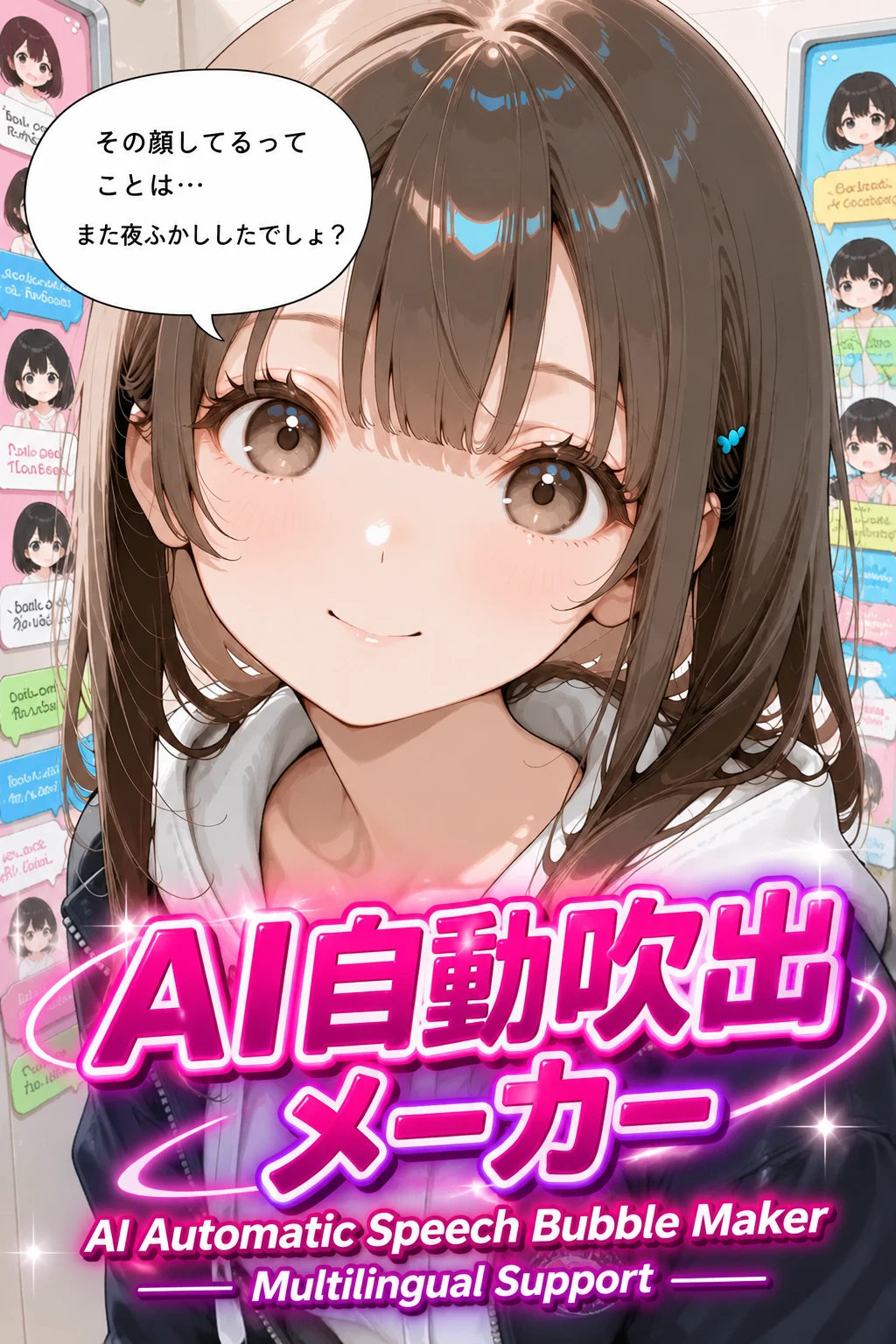
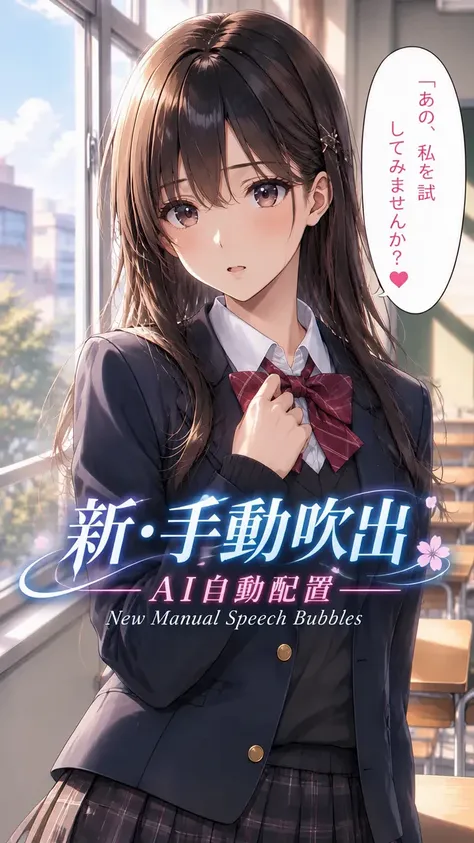
Add your favorite lines to your images with speech bubbles
Since line breaks aren’t possible in the input area, we hastily made some rather tricky rules💦
2026.11.06 Revised — please try the Advanced section first.
🟧We’ll introduce advanced usage first
Each speech bubble is a [BBL num] block where you write the required information.
[BBL 1] Target, bubble color, shape, text color, horizontal/vertical writing, line
👉Example Sample 1
[BBL 1] Girl on the left, white horizontal bubble. Vertical writing in bold pink: 「Hey, shall we go home together today?❤」 [BBL 2] Girl on the right, pink vertical bubble. White text: 「Huh?! Okay, but why so suddenly?»
Just fill in the required elements for each [BBL] bubble.
👉Example Sample 2
[BBL 1] Girl on the left,「Hey, shall we go home together today?❤」[BBL 2] Girl on the right,「Huh?! Okay, but why so suddenly?»
If you don’t need bubble color or text color, this alone is fine.
👉Example Sample 3
[BBL 1] Girl on the left,「Hey, shall we go home together today?❤」[BBL 2] Girl on the right,「Huh?! Okay」[BBL 3] Girl on the right, thought bubble,「I wonder if there’s some hidden motive」
With this, the person on the right gets two bubbles.
If you want precise, detailed control, we recommend the basic method described later; but if you just want to add a bit of dialogue, this advanced approach should be sufficient.
※Please include block labels like [BBL 1] [BBL 2] … Without them, the rendering model may apply earlier bubble settings to later ones, making boundaries ambiguous.
How-to manual (← Detailed explanation Multilingual documentation)
🟧Basic usage
------------------------------------------------
【Important】
Line breaks cannot be inserted in this Seaart input field.
Insert 🟪 where you want a line break.
(Press Random to insert a template)
------------------------------------------------
【Basic format】
[BBL 1]🟪Target🟪Bubble spec🟪Text spec🟪Vertical/Horizontal writing🟪「Line」
👉Example
[BBL 1]🟪Girl🟪White vertical bubble🟪Pink text🟪Vertical writing🟪「Would you like to try me?»
【Minimum input】
When there is one person
[BBL 1]🟪「Hello」
This alone works.
【Multiple bubbles】
[BBL 1]
[BBL 2]
[BBL 3]
Increase the numbers like this.
👉Example
[BBL 1]🟪Girl on the left🟪「Good morning」🟪 [BBL 2]🟪Boy on the right🟪「Good morning!»
【Target specification】
If there are multiple people, specify the target.
👉Examples
Girl on the left
Boy at the right edge
Person in the middle
Second girl from the left in red clothes
【Bubble examples】
Horizontal bubble
Vertical bubble
Round bubble
Cloud-shaped bubble
Thought bubble
Jagged bubble
Spiky bubble
Polygonal bubble
Square bubble
etc.
【Text color specification】
👉 Example
White text
Black text
Red text
Pink text
【Line break examples for lines】
[BBL 1]🟪「Am I not good enough?🟪Is it ‘No’?」
↓
Am I not good enough?
Is it ‘No’?
It tends to display like this.
Depending on the space in the bubble, line breaks may be inserted automatically.
【AI Auto】
auto
If you enter only auto, AI will automatically create bubbles and lines to match the image’s mood.
━━━━━━━━━━
For more details, see here (Multilingual documentation)
https://www.seaart.ai/ja/articleDetail/dbkm3kle878c7381tsl0
We include quirks and patterns of how specifications are reflected, along with result images.
Hot
Latest
more

No data available
Related Works
Post My Work
Explore Related