
Details
Related Works
...View More
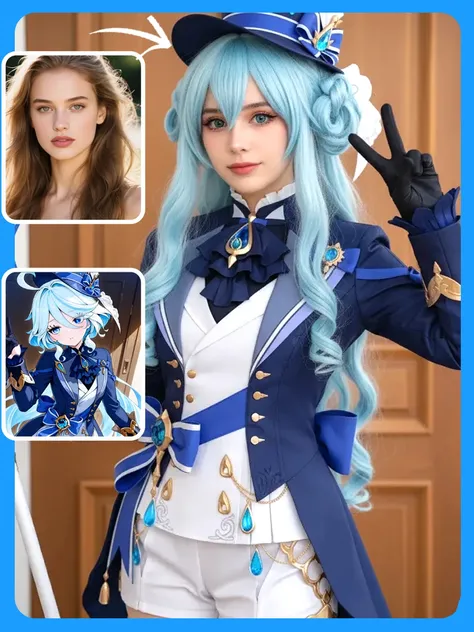
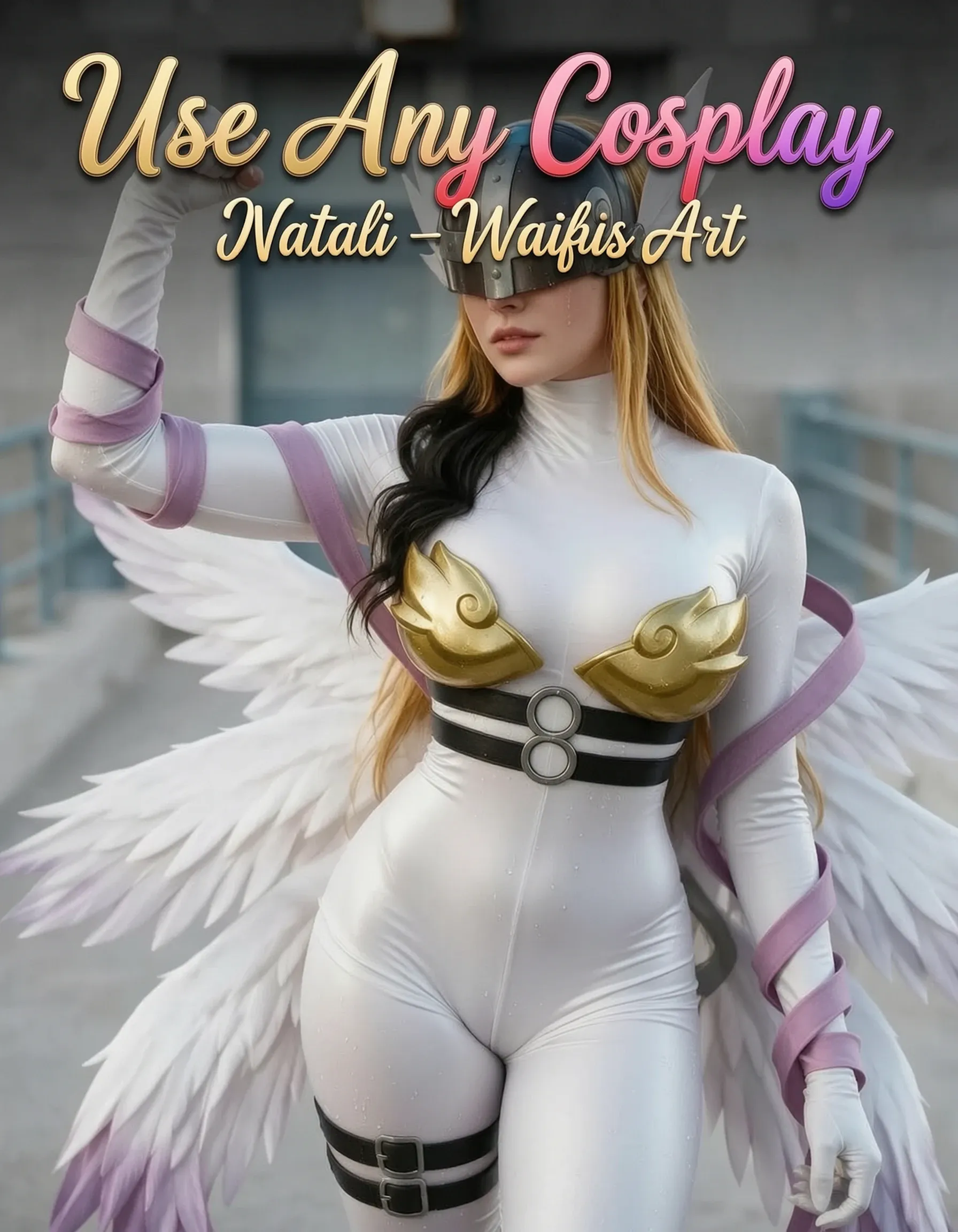
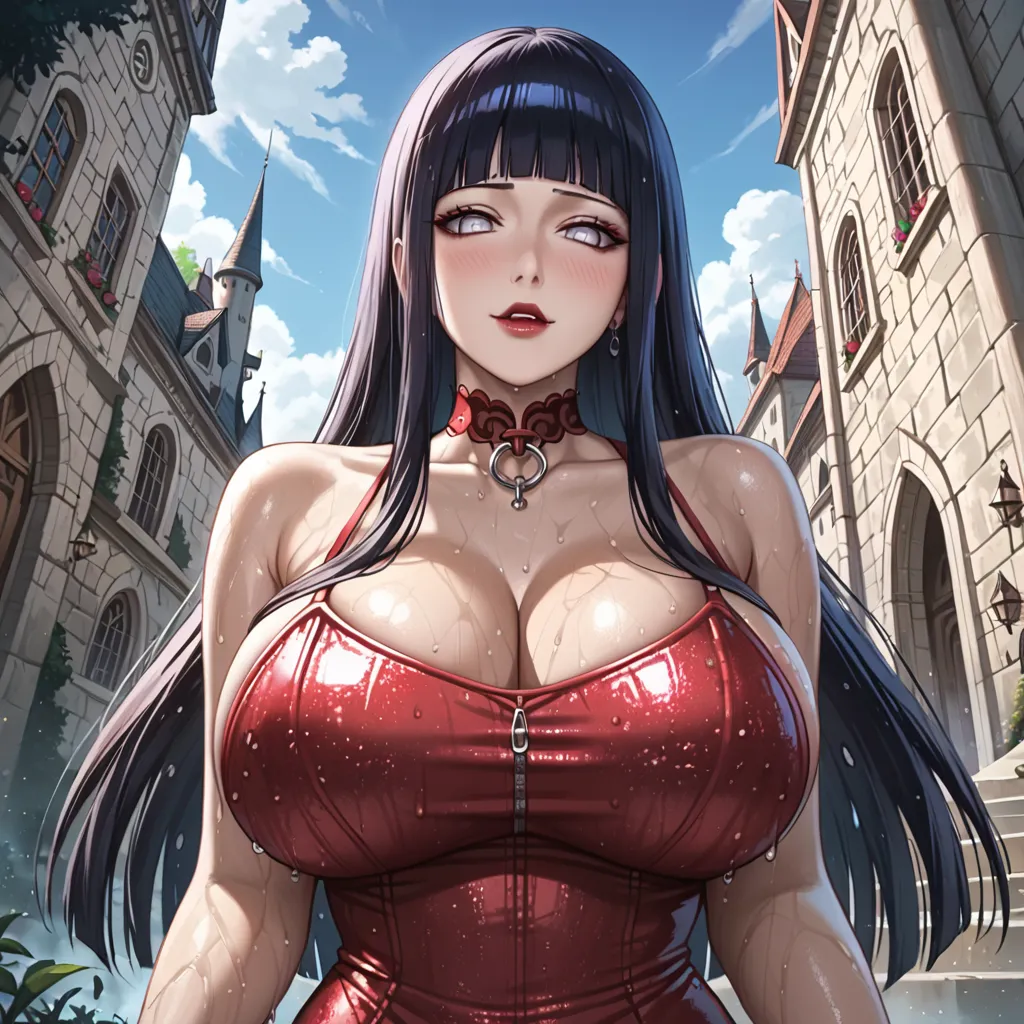
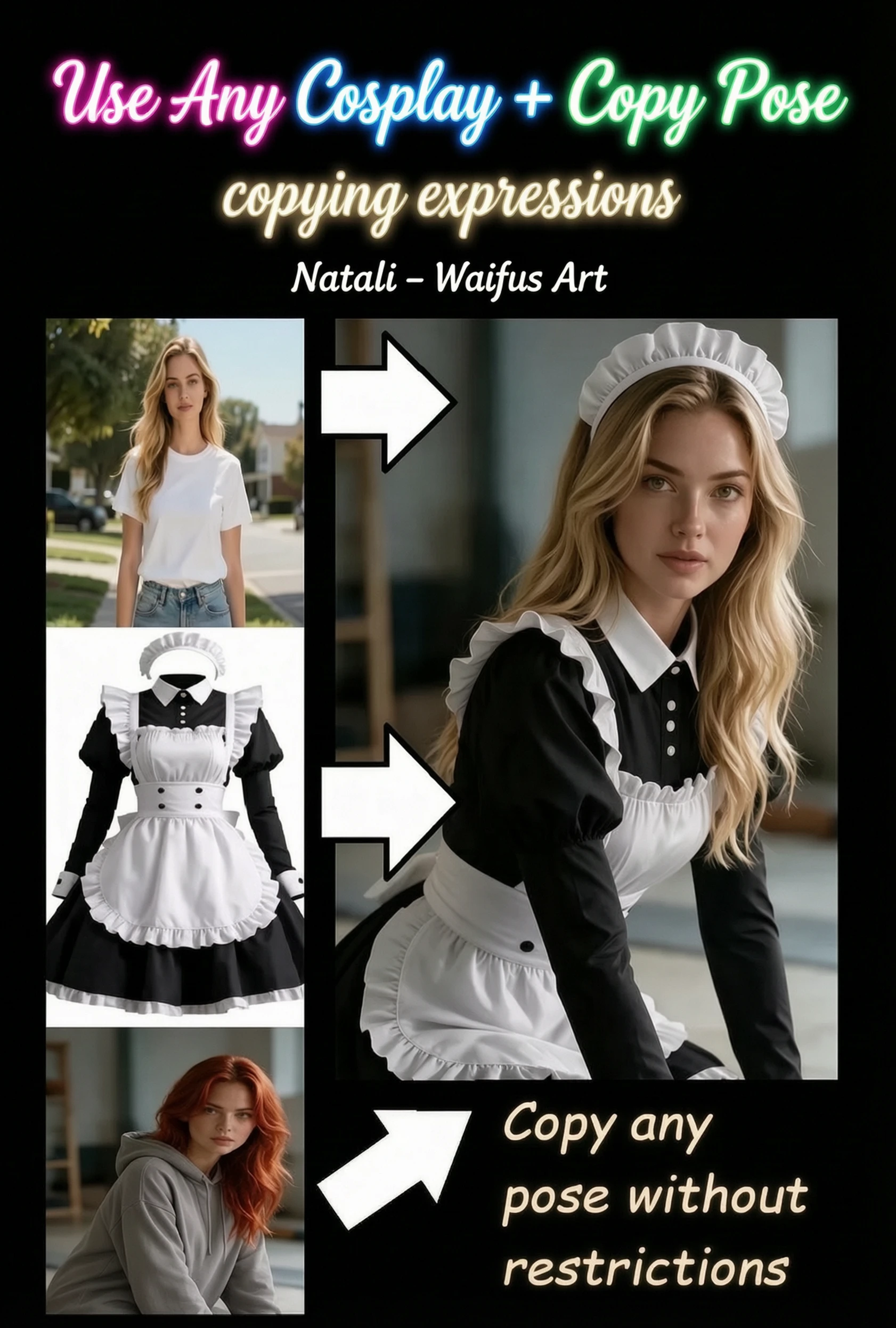
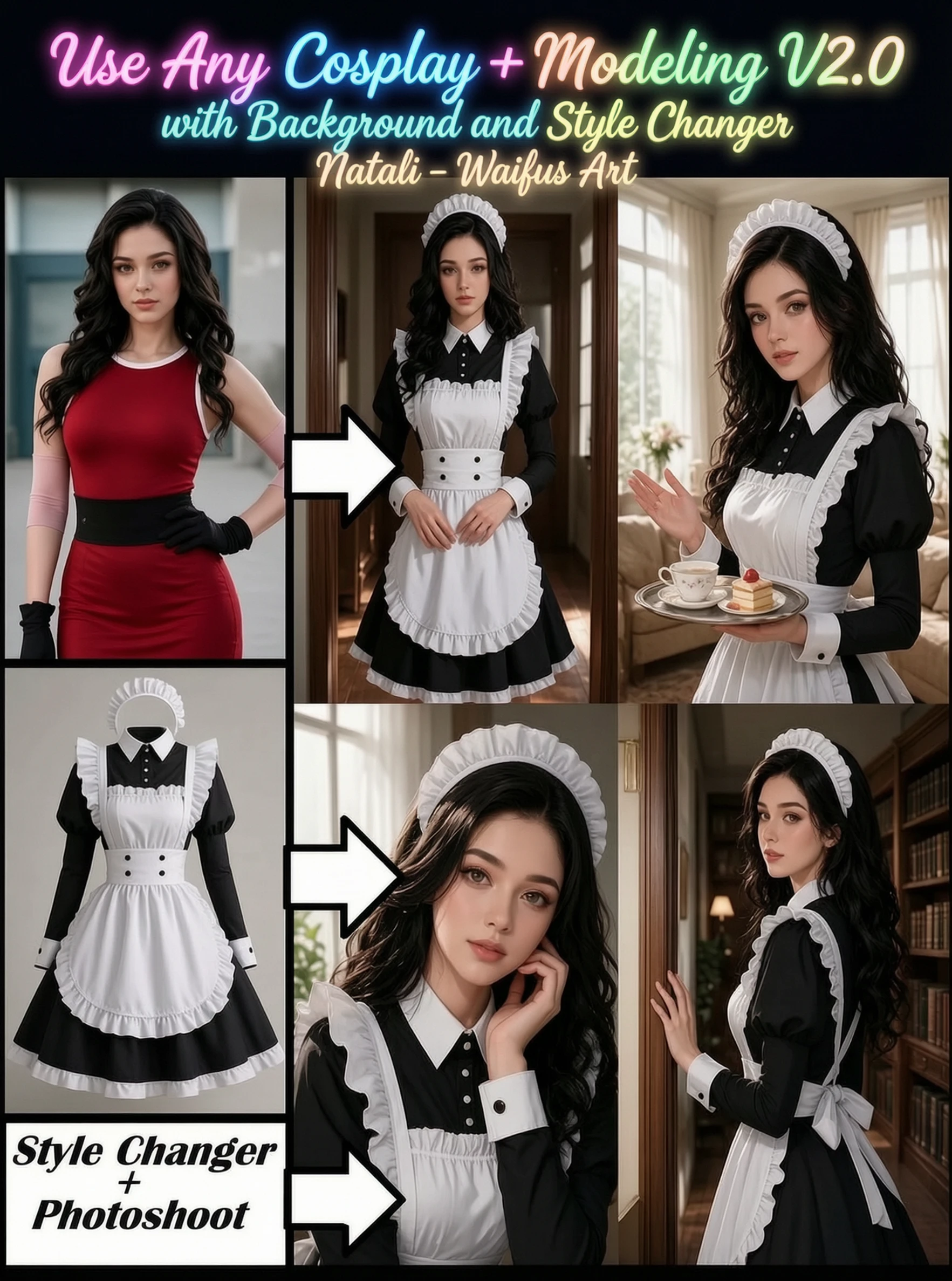
Allows you to use any outfit and split your image into up to 4 modeling panels. It also lets you switch the style between “animated” and “realistic” and change the background to a new one generated to match the outfit.
How to Use:
1. Upload an image of the main character (the person who will wear the cosplay).
2. Upload an image either of just the clothes or of a character wearing the clothes you want.
3. Choose how many panels your image will be divided into, from 1 to 4.
4. Choose the style between “animated” and “realistic” and adjust settings as you like.
5. Select your preferred image resolution and click “Generate”.
Hot
Latest
more

No data available
Related Works
Post My Work
Explore Related