
Details
Related Works
...View More
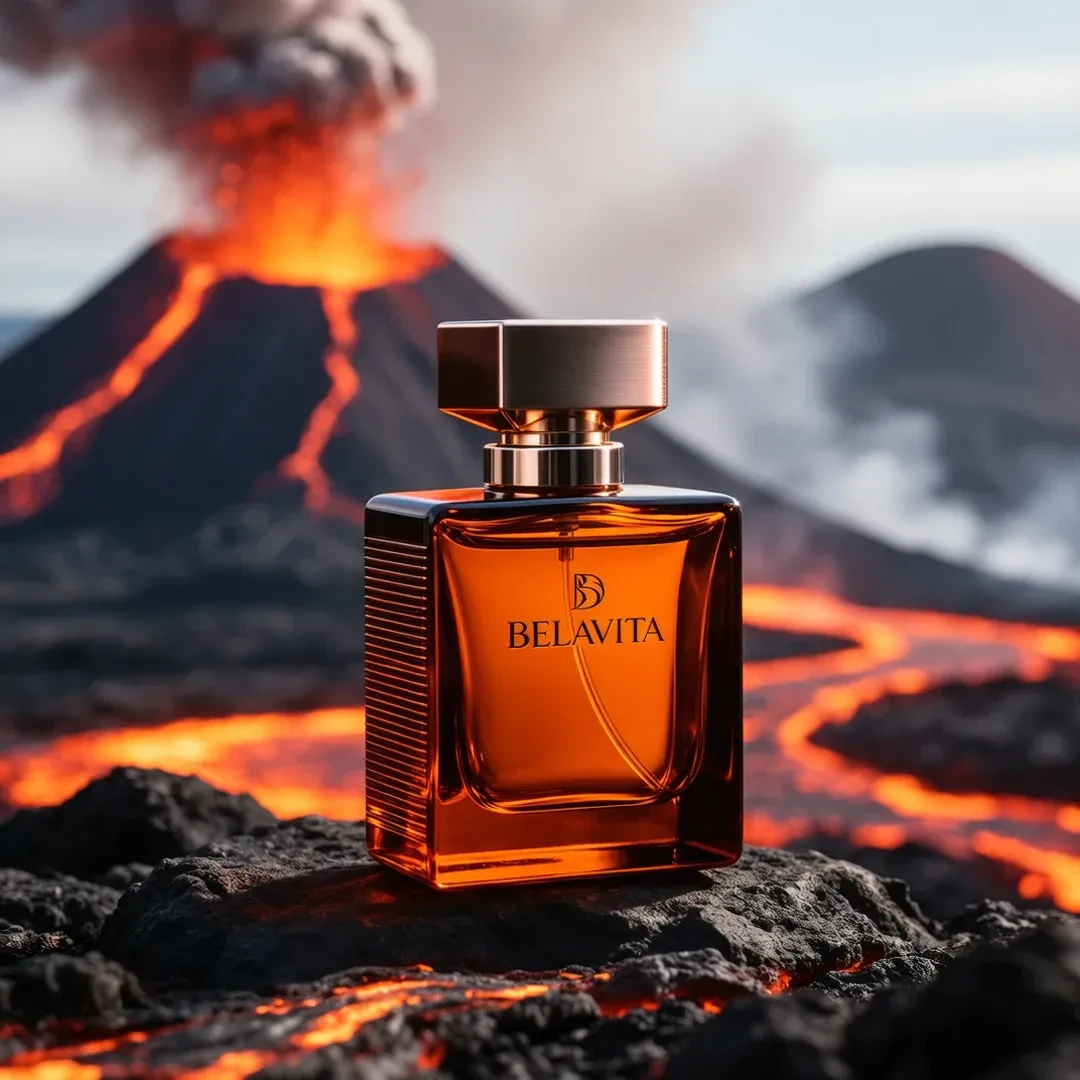
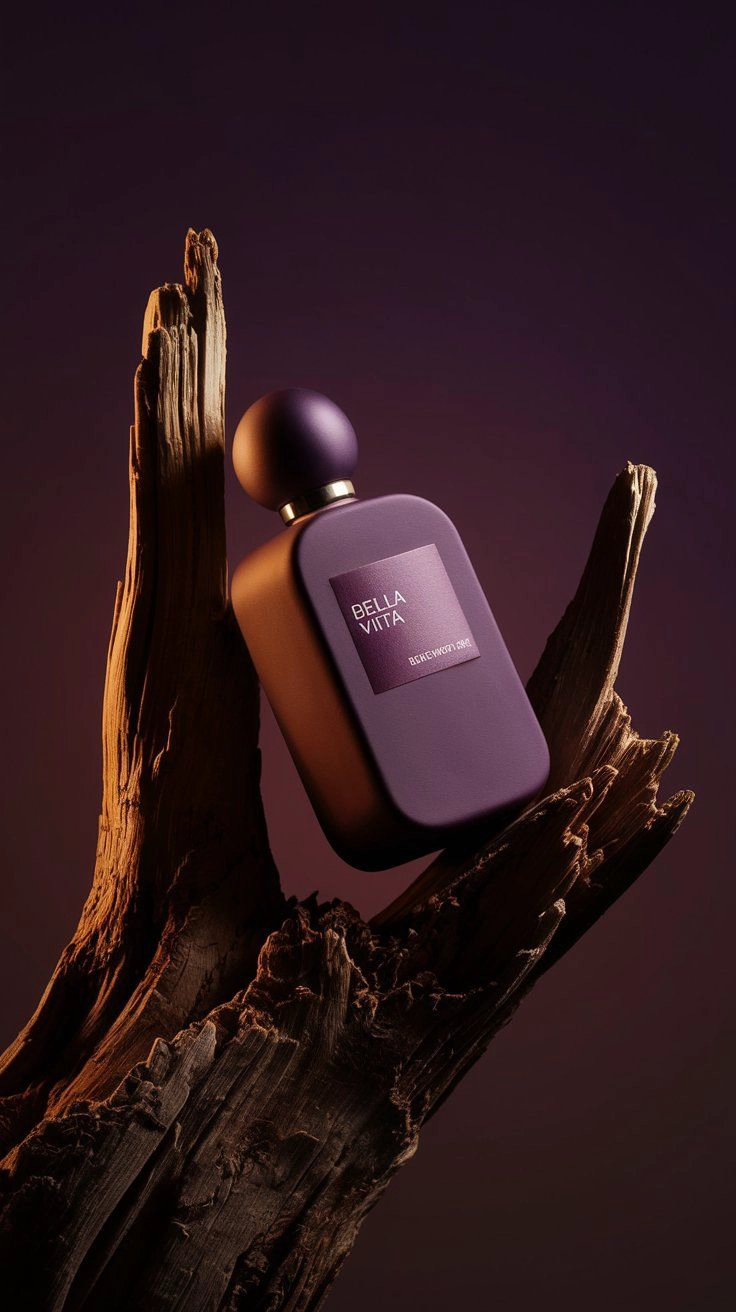
An ordinary photo of an item is the starting point for a new advertising shot. Upload a cup, jewelry, accessory, or your own product, describe the environment — the app will assemble a product scene with lighting, shadows, and texture.
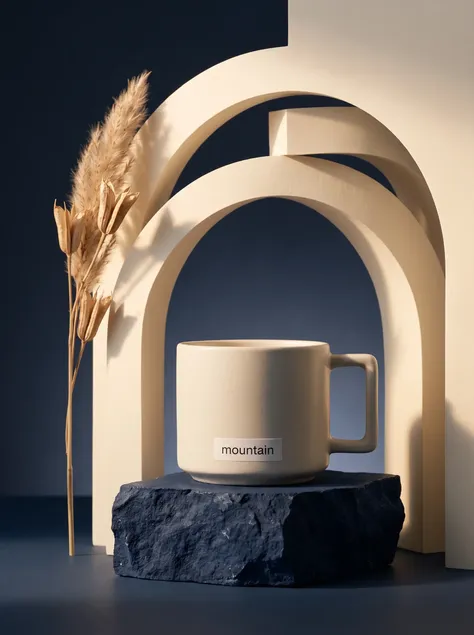
Two fields: “Product photo” defines the item itself; “Scene” sets the background, props, lighting, and mood. Try dark stone and creamy paper arches, a morning workshop with linen fabric, or a calm seasonal composition. Each run generates one vertical image.
Use a sharp photo of a single item, preferably close-up and unobstructed. The app strives to preserve the recognizability of the product, but small text, logos, prints, color tone, and geometry may change. In the demo, the environment was successfully replaced, while small details of the cup differ. Before commercial use, compare the result with the original. This is an advertising concept, not a confirmation of product specifications or contents.
Product photo → styled advertising scene. Upload one item and describe the setting. The workflow aims to preserve its identity while changing background, lighting, and props; exact text and geometry are not guaranteed.
Original pipeline on Nano Banana Pro and Gemini. Use your own or permitted photos. Demo source: Saif Selim, White Ceramic Cup, CC0 / Wikimedia Commons: https://commons.wikimedia.org/wiki/File:White_Ceramic_Cup_(28217866307).jpg
Hot
Latest
more

No data available
Related Works
Post My Work