
Details
Related Works
#Filter Effects
#Realistic Portrait
#Personalized Photoshoot
#Panoramic Virtual Photography
...View More
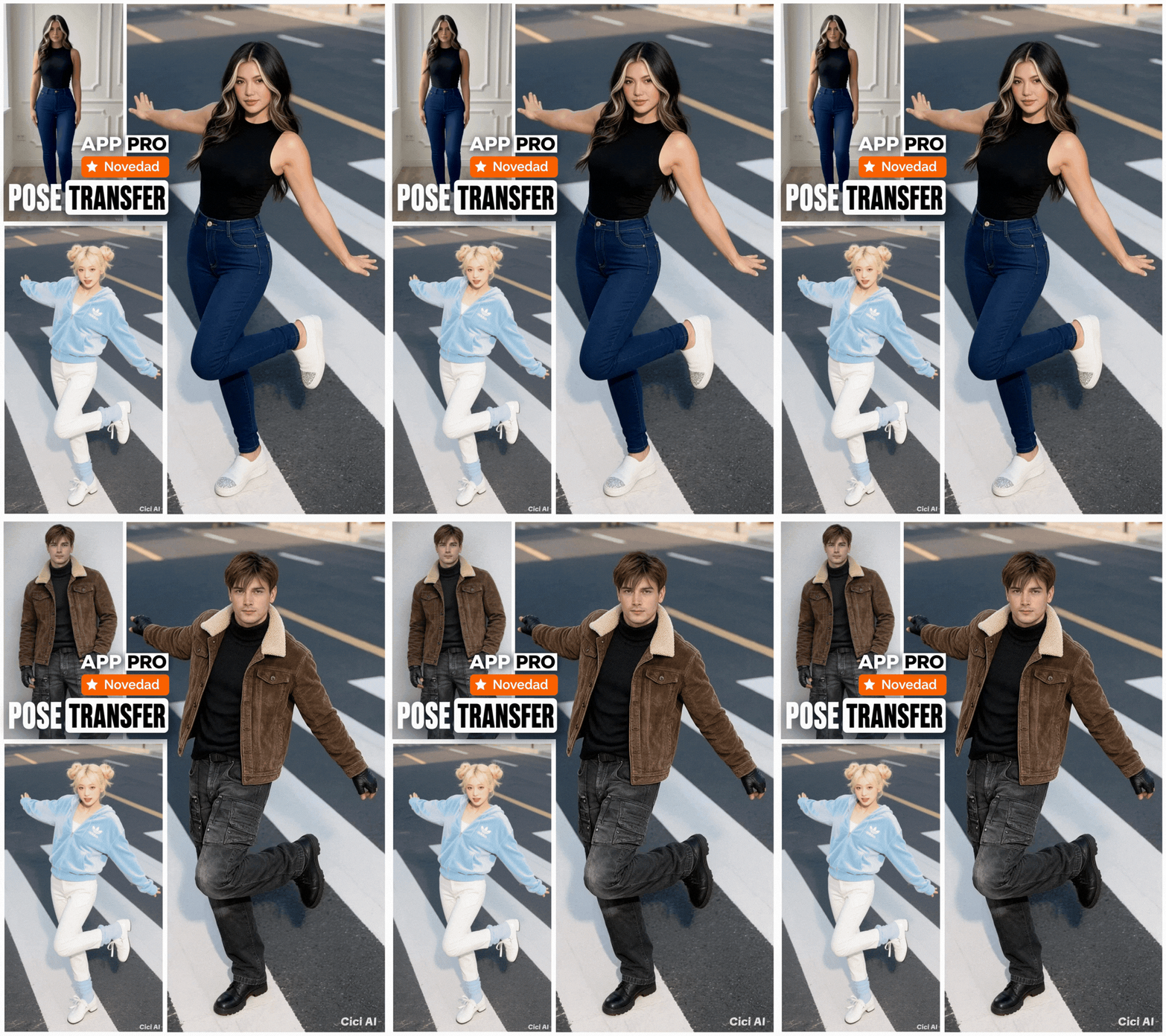
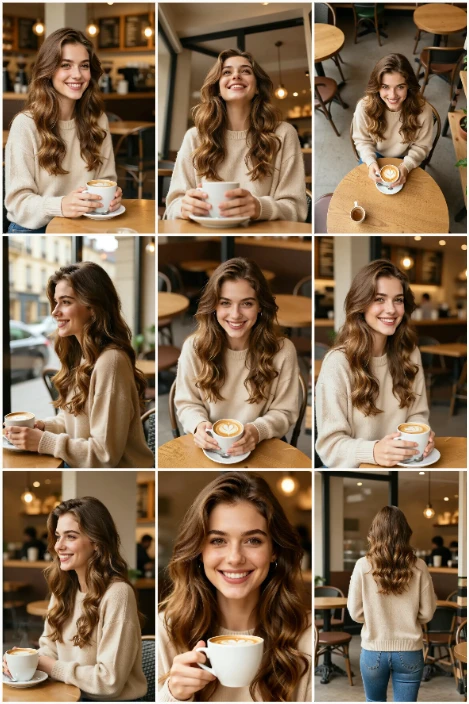
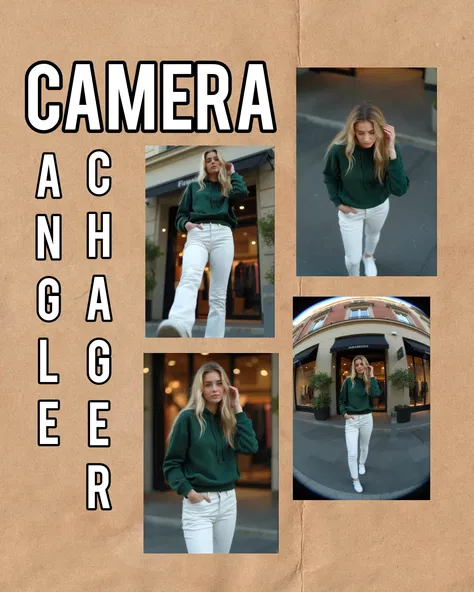
Change the camera angle of your image by simply entering the name of the desired camera angle. Here are some example angles: 1. Top-down 2. Bottom-up 3. Left/Right 3. Front 4. Behind 5. Front top-down 6. Front bottom-up 7. Bird's-eye view 8. Fisheye view 9. Close-up shot 10. Wide-angle shot

Rating & Review

4.6/5
more
no-data
No data available

FAQs About AI Camera Angle Changer

collapse

What is a camera angle changer AI tool?

A camera angle changer AI tool transforms the viewing angle of an existing photo without reshooting it. You upload your image, choose a new angle such as top-down, bottom-up, bird's-eye, fisheye, or wide-angle, and the AI generates a new perspective while keeping the subject and key visual details as consistent as possible.

expand

What camera angles can I change my photo to?

You can change a photo to top-down, bottom-up, left or right side, front, behind, front top-down, front bottom-up, bird's-eye view, fisheye view, close-up shot, or wide-angle shot. Each preset produces a distinct perspective suited to portraits, products, interiors, or landscapes.

expand

Can I change the perspective of an existing photo?

Yes. Upload an existing photo and enter a prompt describing the camera angle or perspective you want. The AI will generate a new view based on your description while aiming to maintain the original lighting, texture, and subject identity.

expand

Do I need photography skills to change a photo angle?

No. Just upload your photo and describe the camera angle or perspective you want in a prompt. You don't need 3D modeling, manual editing, or technical knowledge of focal length.

expand

Is there a free AI camera angle changer?

Yes. SeaArt AI provides registered users with 130 free stamina every day, which can be used to generate images with AI.