Generate
History
Private Creationvip-icon
Details
Related Works
Mimic Motion
Original

Mimic Motion

505
0
294
2026-03-17 07:27:28 Update
#Video Generation
#Dynamic to Illustration
#Role-playing
...View More

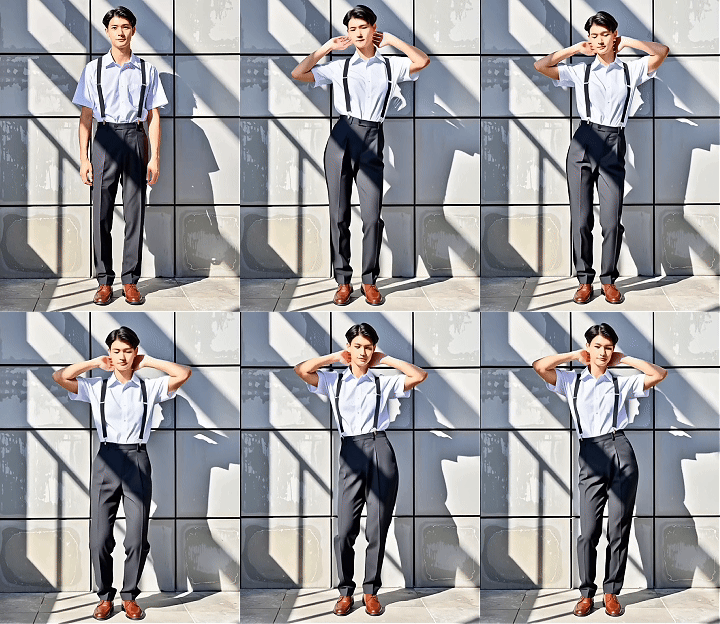
Transform photos into motion videos with AI - mimic any dance or movement instantly.

Rating & Review

4.0 /5

Not enough ratings or reviews received yet

more
no-data
No data available

What Makes SeaArt AI's Mimic Motion Unique?

Turn Photos into Dance Videos Effortlessly

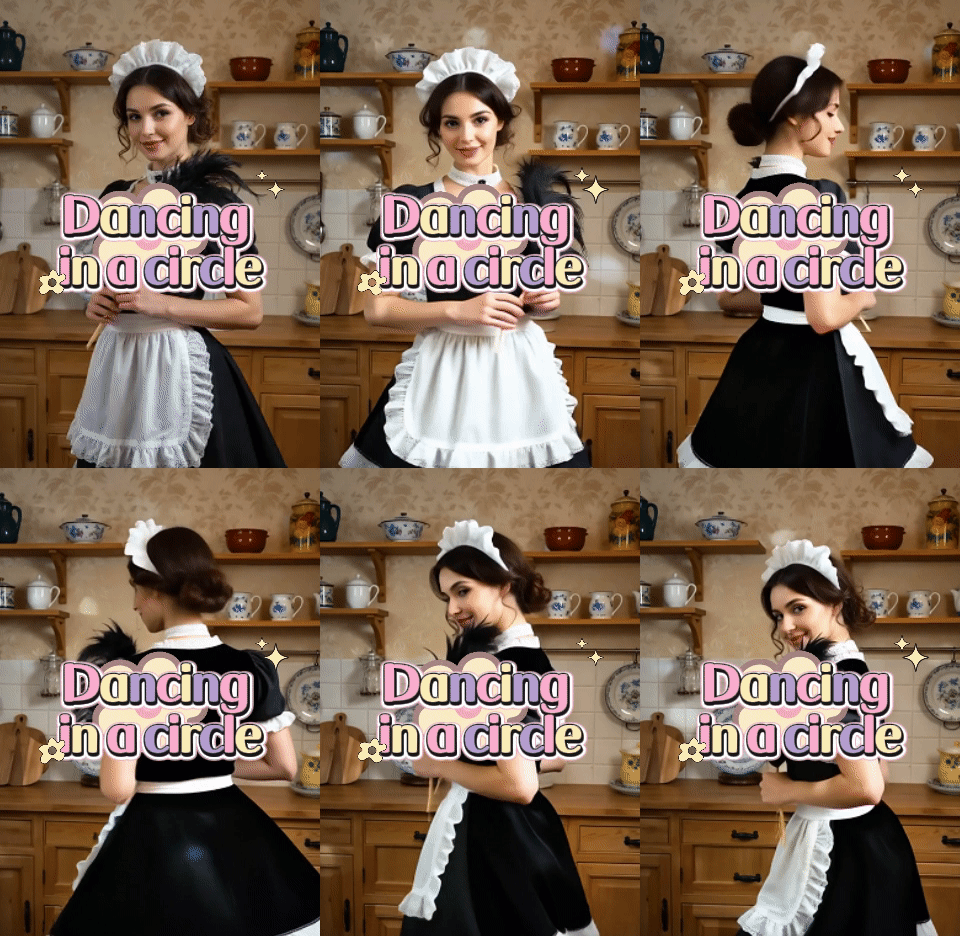
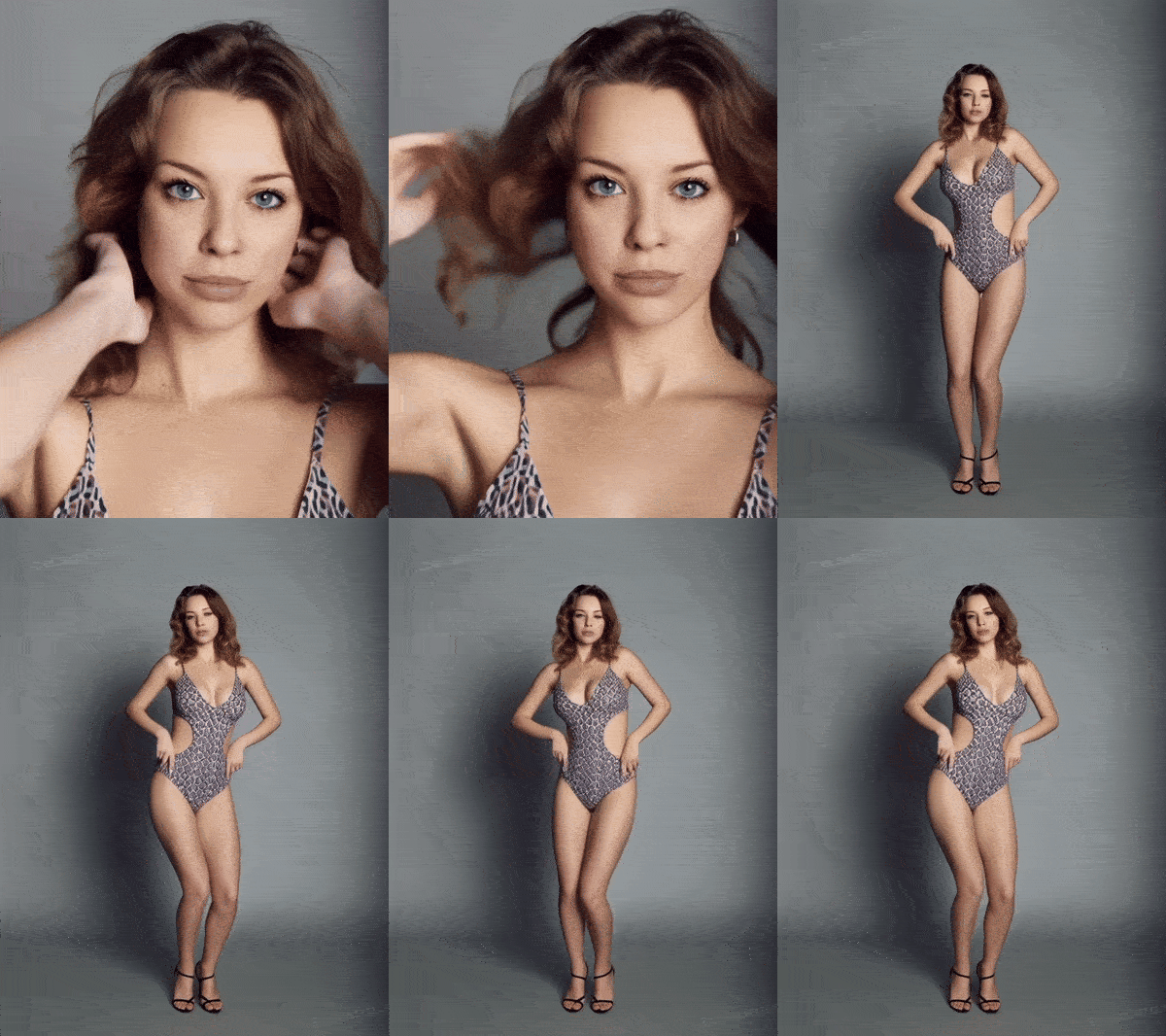
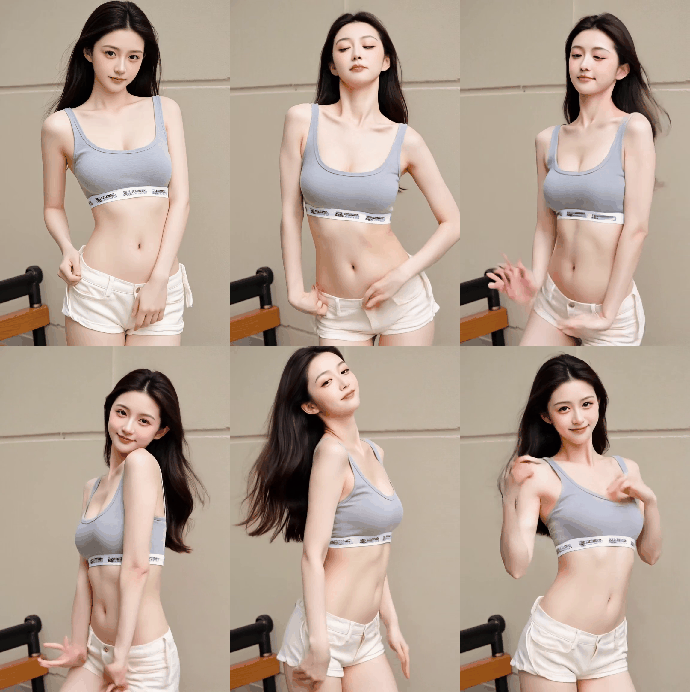
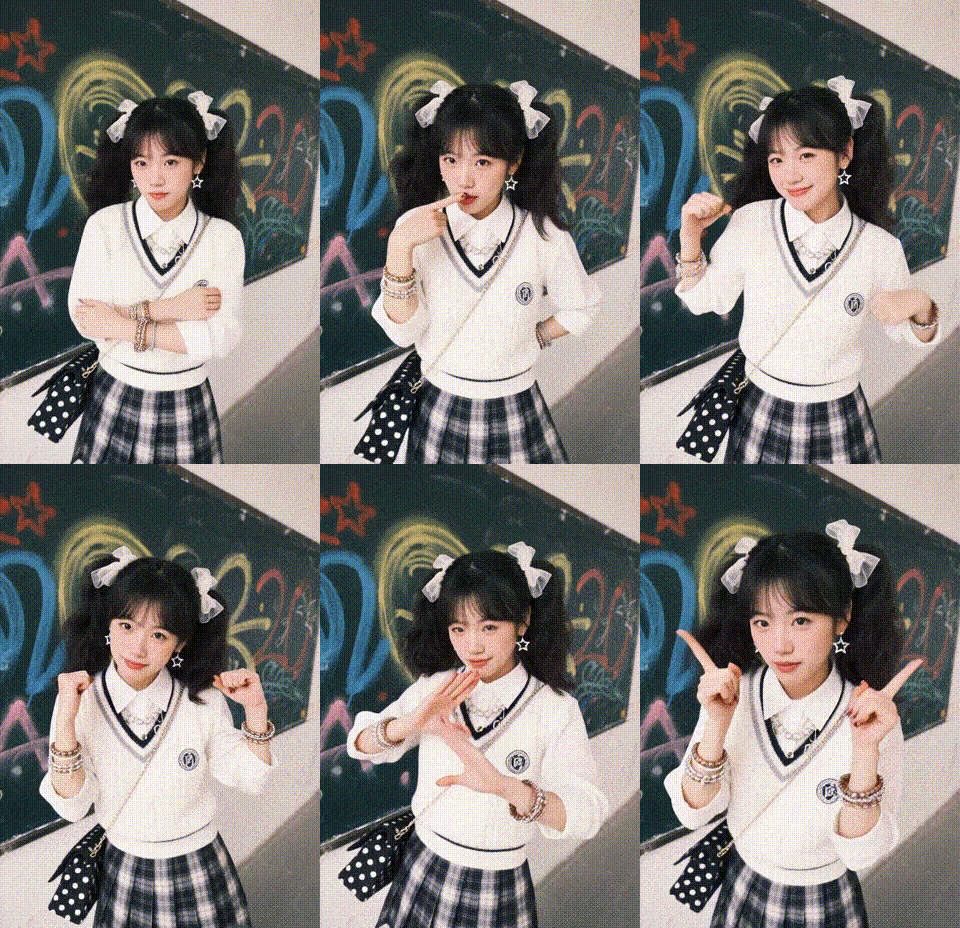
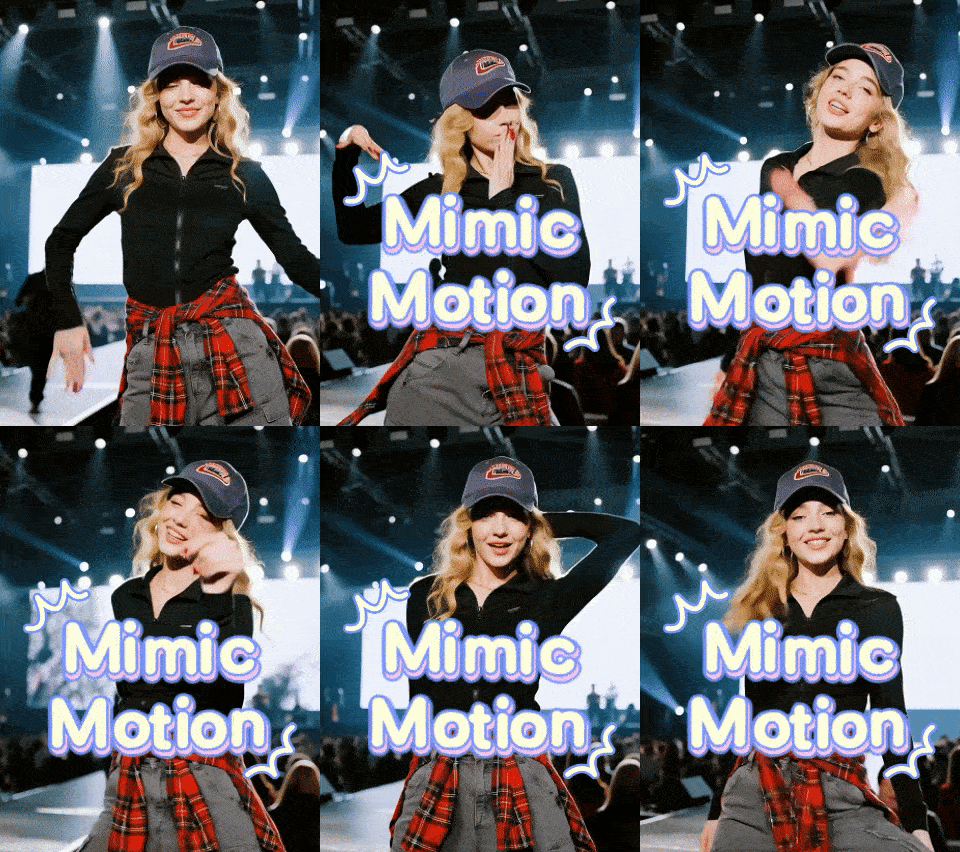
Upload any photo and reference video to AI video generator that copies motion perfectly. Whether you want your photo to perform trending TikTok dances or replicate specific movements, the tool analyzes the reference video and applies identical actions to your image. Create viral social media content without filming or choreography - ideal for celebrations, entertainment, and creative projects.

Natural Motion Without Distortion

Your photo subject moves naturally, not robotically. Advanced algorithms preserve original facial features and body proportions, ensuring smooth movements without awkward bending or distorted limbs. Fluid transitions look professionally filmed rather than AI-generated, maintaining anatomical accuracy even with complex dance moves or subtle gestures.

Social Media Ready Motion Content

Generate videos optimized for image to video sharing across all platforms. Output in 9:16 vertical format designed for TikTok, Instagram Reels, and YouTube Shorts with timing matched to trending content styles. No watermarks on premium exports. Create attention-grabbing motion videos that stop scrolling and boost engagement with authentic-looking animations your followers will love.

50M
+
Creator
100M
+
Generated Images
1M
+
Models
100K
+
AI App

Why Creators Choose Mimic Motion

Beginner-Friendly Interface

No technical skills or video editing experience needed. Simple three-step process makes motion video creation accessible to everyone, from first-timers to professionals.

Professional HD Output

Produces crystal-clear 1080p videos with professional rendering. Maintain every pixel of your original photo while adding smooth, natural animations that look professionally produced.

Clean Watermark-Free Videos

Download videos without branding or watermarks. Unlike many free tools, SeaArt provides professional-quality exports ready for commercial use and client presentations.

Privacy Protected

Your photos and videos are processed securely on SeaArt's servers. Content is automatically deleted after processing, ensuring your creative work stays private.

Start Creating Motion Videos Today

Upload your photo and reference video to create realistic motion transfer content on SeaArt AI. Make your images dance, move, and come alive instantly.

How to Use Mimic Motion in 3 Steps

Upload Your Photo

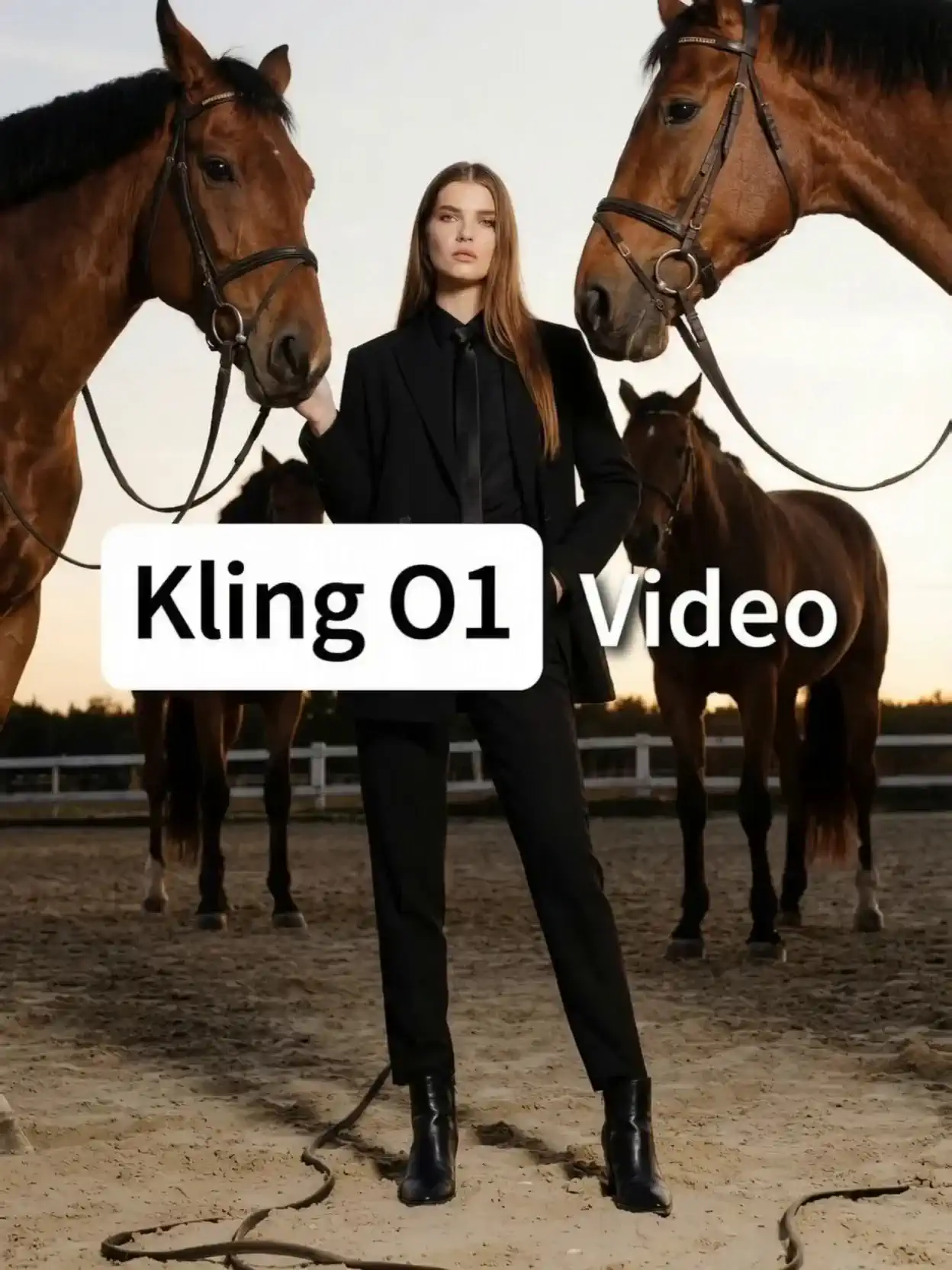
Upload a clear full-body photo with the person facing forward. Best results come from well-lit images showing complete body.

Choose Motion Reference

Upload any video showing the motion you want to copy - trending dances, custom choreography, or specific movements.

Generate and Share

Click generate to create your motion video. Download HD output ready for social media posting and instant sharing.
FAQ Component

collapse

What is Mimic Motion?

Mimic Motion is an AI tool that transfers movement from reference videos to static photos. Upload a photo and motion video, and it makes your image replicate those exact movements with realistic animation.

expand

What photos work best for this tool?

Use clear, front-facing full-body photos with good lighting. Ensure the person's legs, arms, and face are visible for best animation results.

expand

Can I upload my own reference videos?

Yes! Upload any video (MP4, MOV, WebM) showing the motion you want. The tool extracts movement patterns and applies them to your photo accurately.

expand

How is this different from face swap?

Face swap only replaces faces. This tool transfers full body movements, including gestures, dance steps, and poses, making your entire photo subject animate with the reference motion.