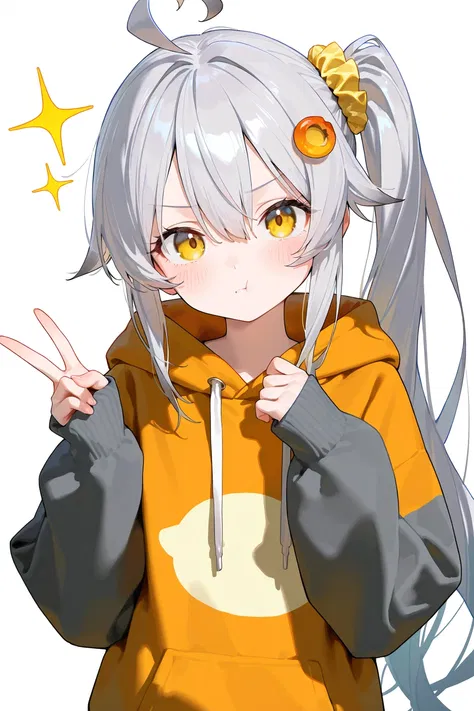

Details
Related Works
#Fun to Illustration
#Filter Effects
...View More
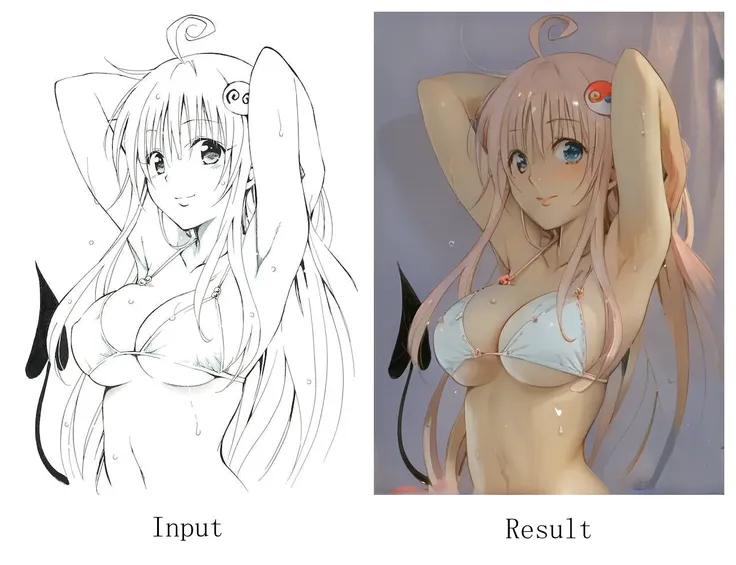
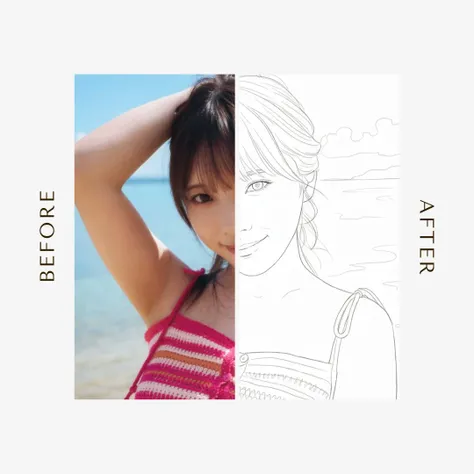
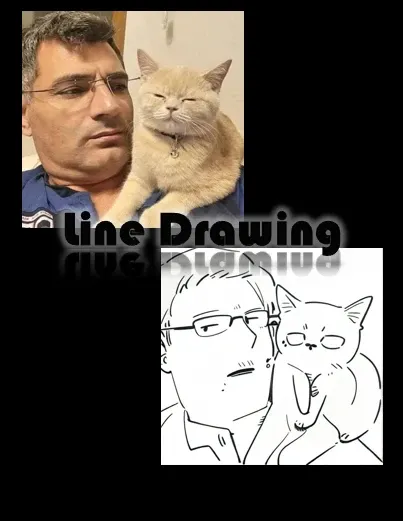
One-click conversion to exquisite line art
Related Works
Post My Work
Log in to view all works
Log In Now
Explore Related






Download SeaArt App
Continue your AI creation journey on mobile devices
One-Click Refined Line Art: Turn Illustrations into Art
The One-Click Refined Line Art tool helps you quickly transform illustrations into professional line art, significantly elevating quality.
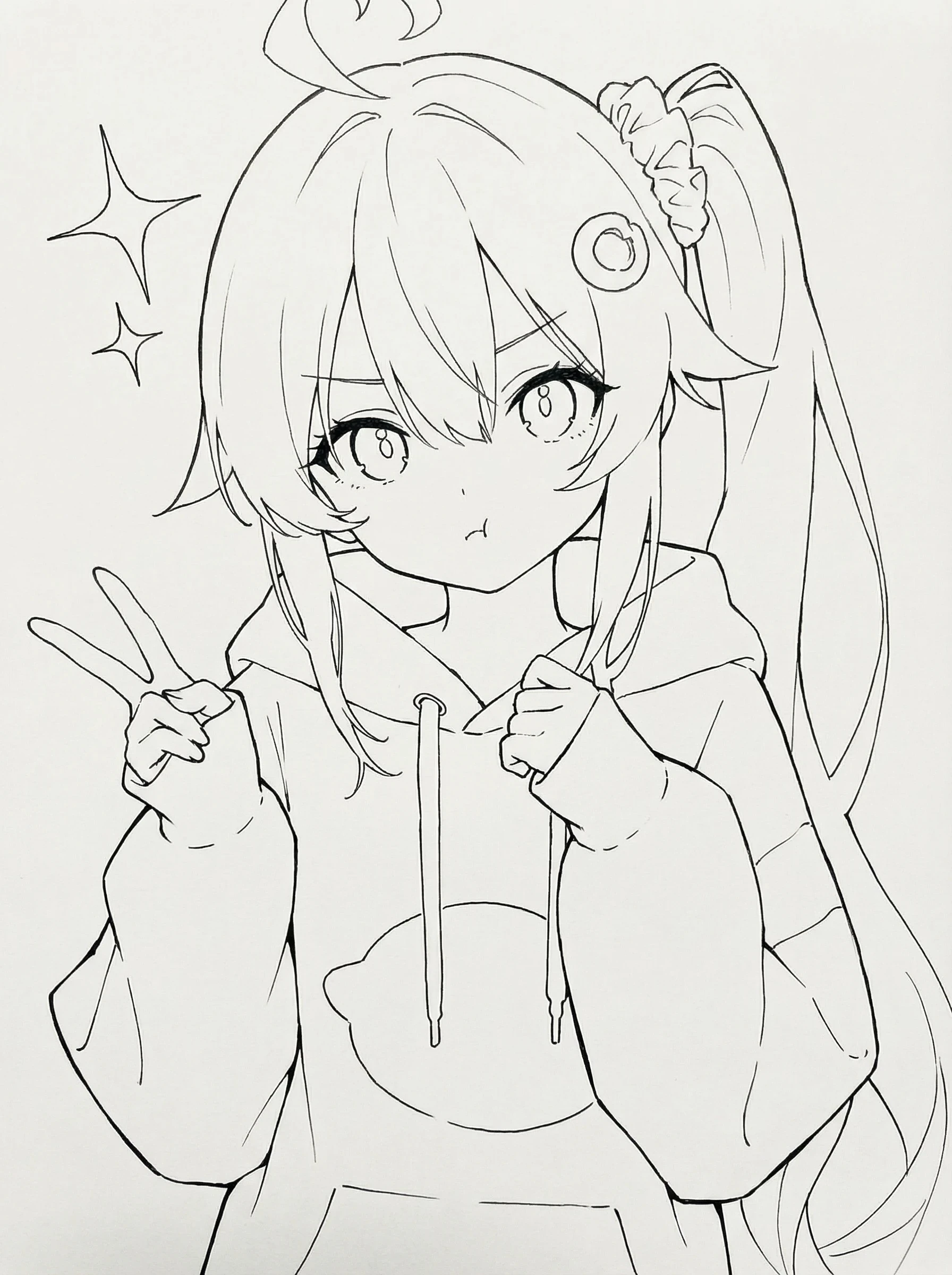
Quickly Convert Illustrations to Line Art
With the One-Click Refined Line Art tool, you can rapidly turn various illustrations into fine, detailed line art. The tool supports multiple illustration styles and, regardless of file size, maintains detail accuracy to help you create more refined artworks.
Enhance Illustration Detail Precision
This tool significantly enhances the depth of details in your illustrations. Whatever filter effect you choose, the system ensures the fineness and accuracy of the line art, helping you create more vivid images and complex artistic designs.
Supports Multiple Filter Effects
The One-Click Refined Line Art tool offers a rich selection of filter effects—from soft artistic lines to sharp technical line art—there is always a style that suits your work. With simple selections and adjustments, quickly apply the right filter.
Steps
Upload Illustration
First, upload the illustration file you want to convert to the One-Click Refined Line Art tool. It supports multiple file formats to meet different creative needs.
Choose Filter Effects
In the tool interface, choose the appropriate filter effect to optimize the fineness and detail of the line art, ensuring the artistic quality of the final work.
Generate and Save the Result
Click the Generate button and wait for the tool to complete the conversion. Once satisfied, save the refined line art file to your device.
FAQ

Which file formats are supported?
The tool supports many common file formats, including JPG and PNG, making it easy to import and convert illustrations from various sources.

How is the quality of the converted line art?
The One-Click Refined Line Art tool is designed to preserve details and enhance line clarity and artistic feel, delivering high-quality professional line art.