Generate
History
Private Creationvip-icon
Details
Related Works

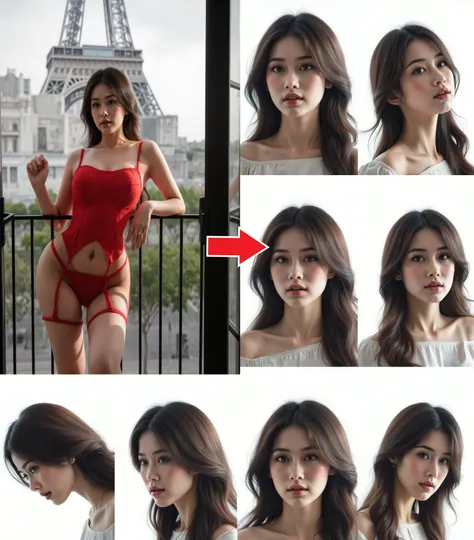
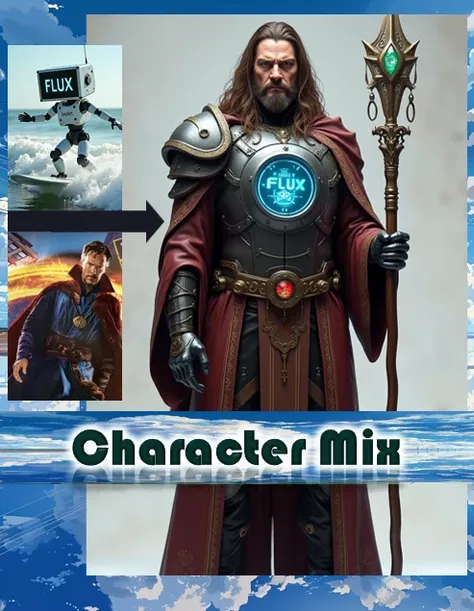
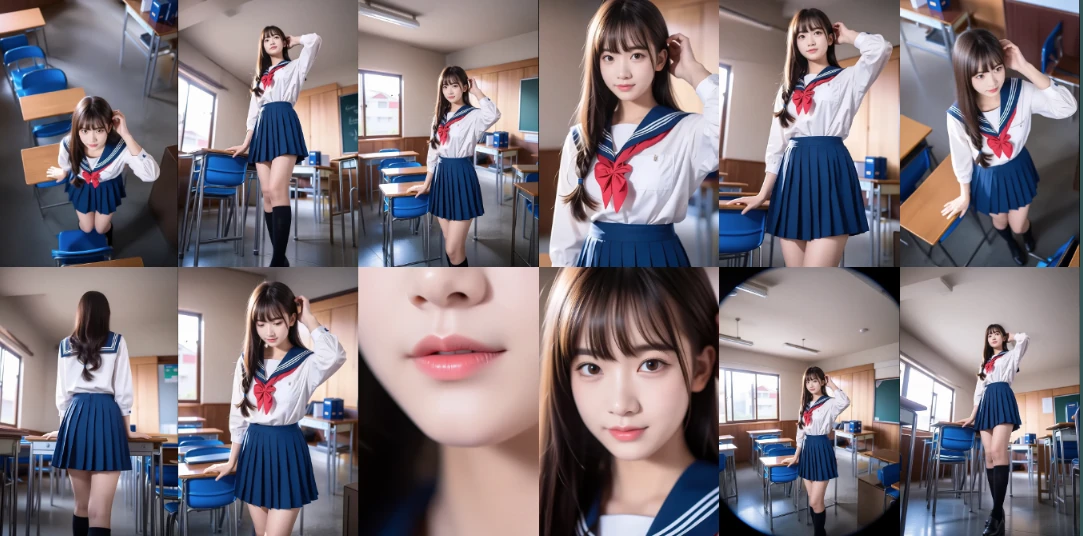
Multi-shot angles Character consistency (Helper for Ai character creation)
Original

Multi-shot angles Character consistency (Helper for Ai character creation)

1.9K
0
717
2026-01-28 12:03:14 Update
#Graphic Design
#Brand Visual Design
#Beauty Enhancement
#Original Character Generation
#featuremyoc
...View More

Helper for Ai character creation when needed to upload character images you can generate them from this app

Rating & Review

4.9 /5

Not enough ratings or reviews received yet

more
no-data
No data available

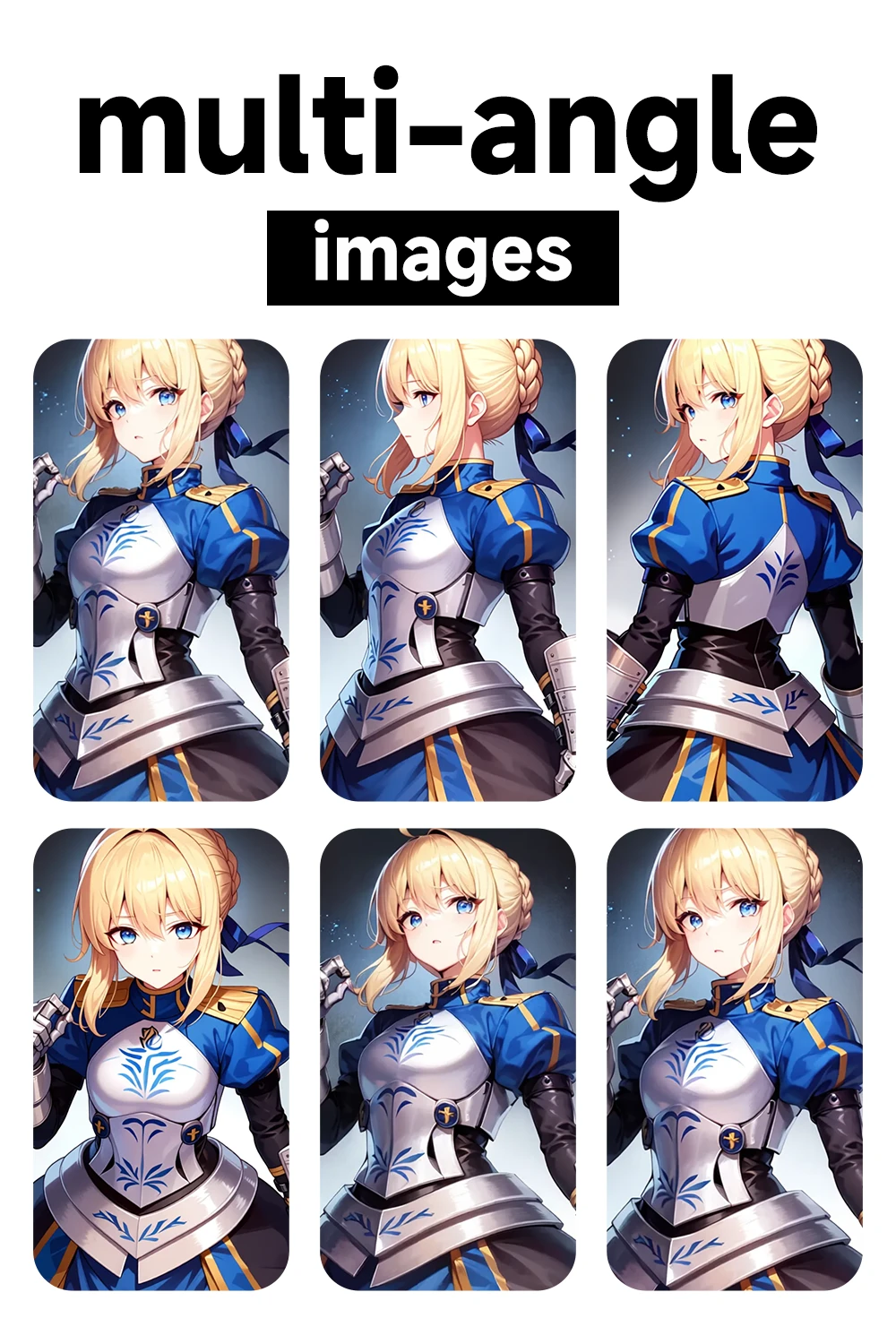
Enhance AI Character Creation with Multi-shot Angles

Generate consistent AI characters with customizable camera angles.

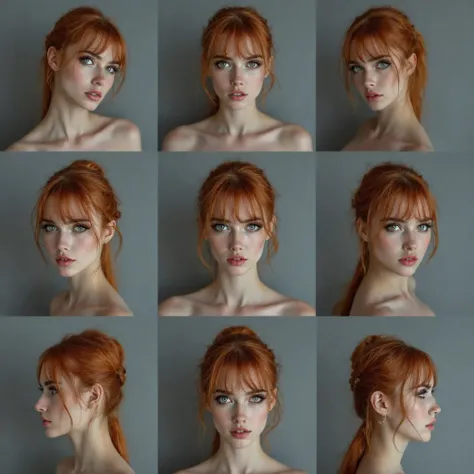
Create Consistent Multi-shot Character Images

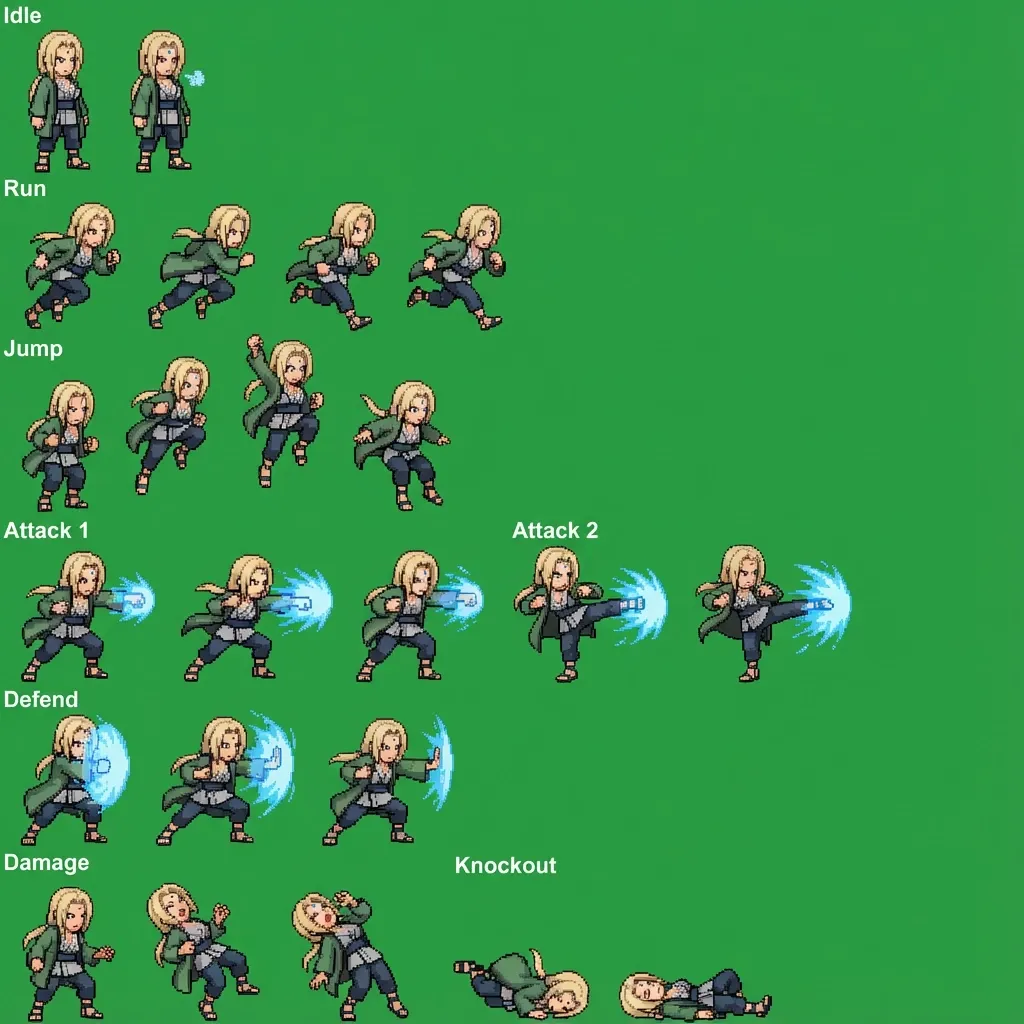
Generate a sequence of images showing your original character from various angles. Customize shots like top-down views or close-ups, ensuring visual consistency across multiple angles. Optimized for graphic design projects that require detailed, consistent character visualization.

Visualize Characters with Dynamic Camera Perspectives

Apply different camera settings such as wide-angle, panoramic, and low-angle close-ups to capture dynamic aspects of your AI characters. Enhance the diversity and visual appeal of character design through varied perspectives and detailed shots.

Adjustable Prompts for Precise Visualizations

Use customizable prompts for exact camera angles and scene adjustments. Control specifics such as a close-up of the lips or a low-angle rear view. This feature facilitates precision in capturing the desired character appearance, ideal for enhancing aesthetics and maintaining brand consistency.

Operation Steps

Input Character Details

Upload your character images or generate new ones using specified prompts to initiate your visual design.

Customize Camera Settings

Define camera views by choosing angles like top-down, wide-angle, or panoramic to tailor your character visuals.

Generate and Save Images

Create your finalized character shots with selected angle settings and save them for future design projects.

FAQ

collapse

How can I create consistent character images using this app?

Upload or generate character images and use the customizable camera angle prompts to produce a consistent set of visuals from different perspectives.

expand

Can I customize the camera angles in this app for my AI character design?

Yes, you can adjust camera angles, including top-down, close-up, and panoramic views, to get the exact visual representation required.

expand

Is the app suitable for brand visual design projects?

Absolutely, it provides consistent and dynamic visuals, enhancing your brand's visual identity with detailed character designs.

expand

How are camera angle changes controlled within the app?

Use prompts to transition between scenes, modifying angles to cover wide-angle, close-up, and panoramic shots seamlessly.