Generate
History
Private Creationvip-icon
Details
Related Works
One-click stop-motion animation generation
Original

One-click stop-motion animation generation

156
0
53
2026-02-08 10:51:10 Update
#Shape Shift
...View More

One-click stop-motion animation generation

Rating & Review

-- /5

Not enough ratings or reviews received yet

more
no-data
No data available

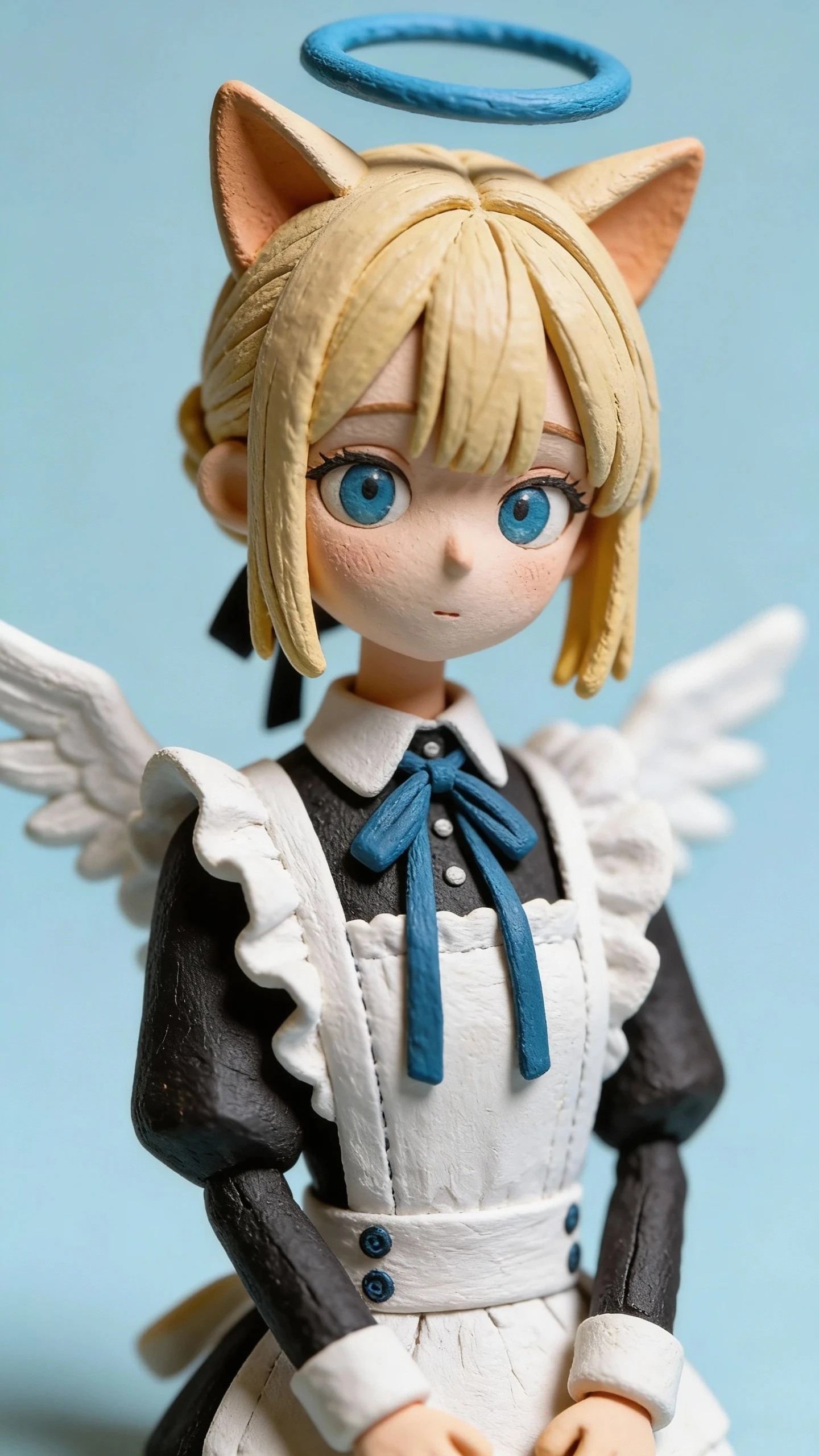
One-Click Clay Stop-Motion Generation: Let Creativity Flow Seamlessly

Easily create high-quality animations with the one-click clay stop-motion generator and streamline your creative process.

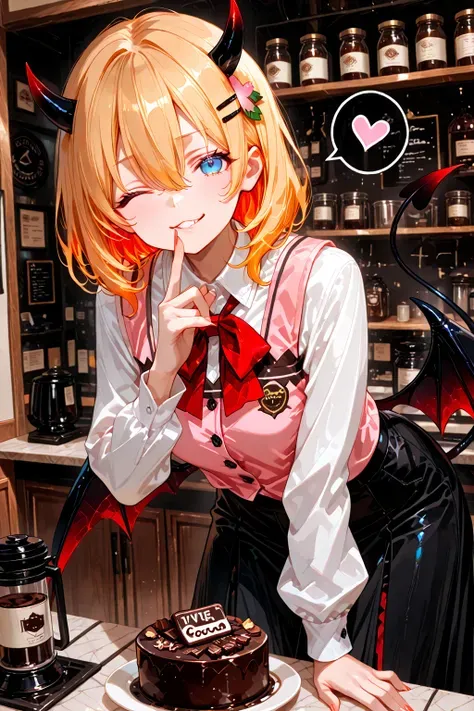
Winged figure, angel halo, cat ears

Choose models with ease

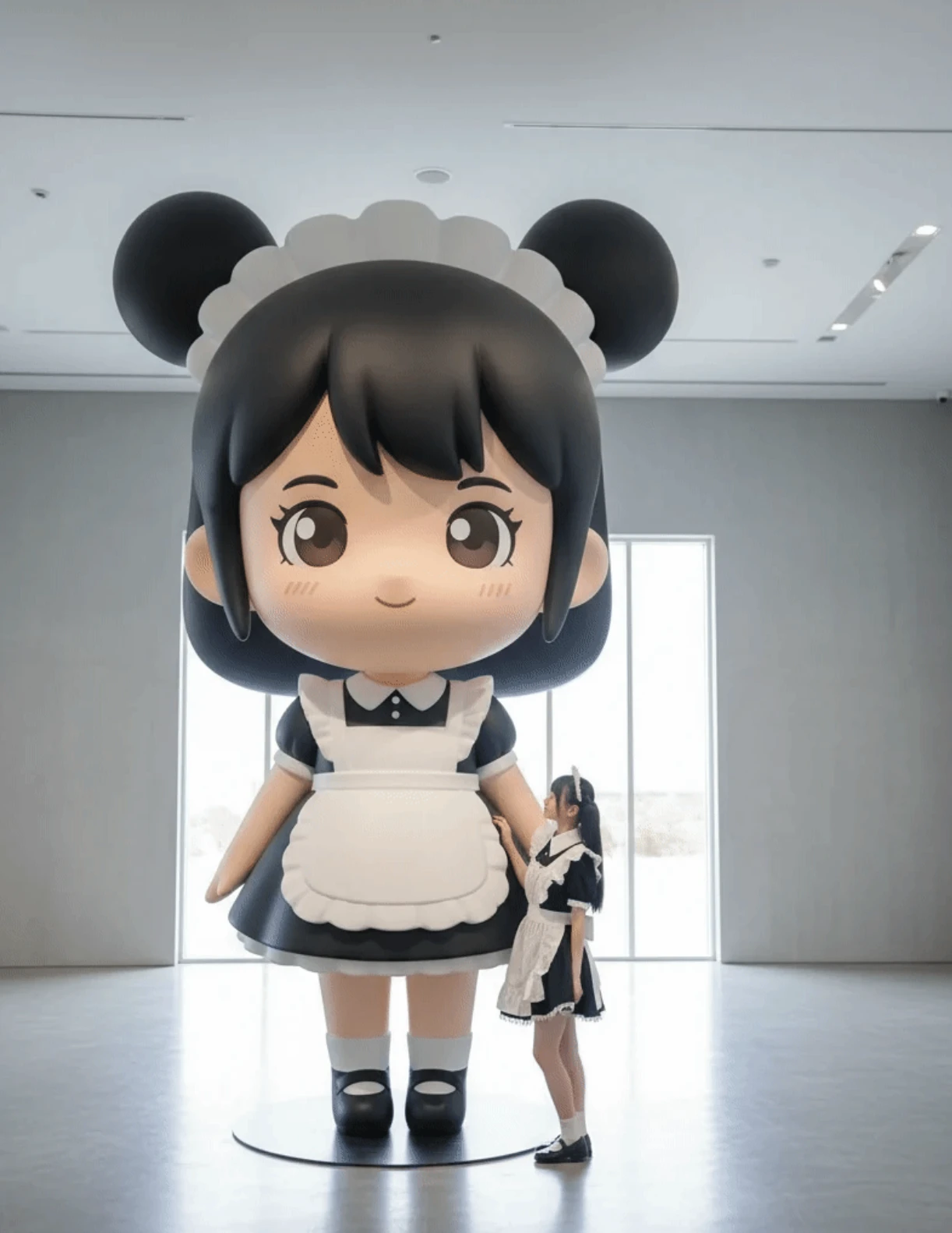
One-click clay stop-motion generation supports a variety of model options, so you can pick clay shapes that fit different creative needs. With simple steps, you can jump right into your animation journey. Switching models requires no complex commands, giving your work greater diversity.

Winged figure, angel halo, cat ears

Set parameters quickly

A user-friendly interface lets you define animation pace, frame count, and effects. It supports 10 to 30 frames per second (fps) to achieve smooth, natural motion. Preview instantly after setting parameters to ensure you get the result you want.

Winged figure, angel halo, cat ears

Efficient stop-motion output

After configuration, start generation with one click to output a complete short in minutes. Multiple video formats are supported, including MP4 and MOV, ensuring your animation suits different platform requirements. Perfect for diverse creative scenarios, unlocking unlimited possibilities for your project.

Steps

Choose your clay model

Browse within the app and select a clay model that suits your creative project, ensuring it matches a stop-motion style.

Set animation parameters

Adjust frame count, pace, and effects to achieve the desired animation. Preview after confirming each setting to ensure you're satisfied.

Generate and save your creation

Start the generation process to complete the animation in minutes. Export the final piece in multiple video formats and save it to your device.

FAQ

collapse

Which video formats does this app support?

The app supports multiple video output formats, including popular MP4 and MOV, suitable for different platform display needs.

expand

How long does it take to generate an animation?

Creating a complete short typically takes only a few minutes, though the exact time may vary based on your animation settings.

expand

How can I ensure smooth animation frames?

Set the frame rate between 10 and 30 fps to achieve smooth, natural motion, and preview before generating to ensure the result meets your expectations.