Generate
History
Private Creationvip-icon
Details
Related Works
Live Portrait AI
Original

Live Portrait AI

4.8K
0
14.3K
2025-12-11 03:21:11 Update
#AI Video
#Art
#Video Generation
#Parody meme
#Meme Generator
#Interactive Game
#Magic Effect
...View More

upload an image,Let the picture sway and sing Dragostea Din Tei

Rating & Review

4.5 /5

Not enough ratings or reviews received yet

more
no-data
No data available

Bring Your Static Portraits to Life

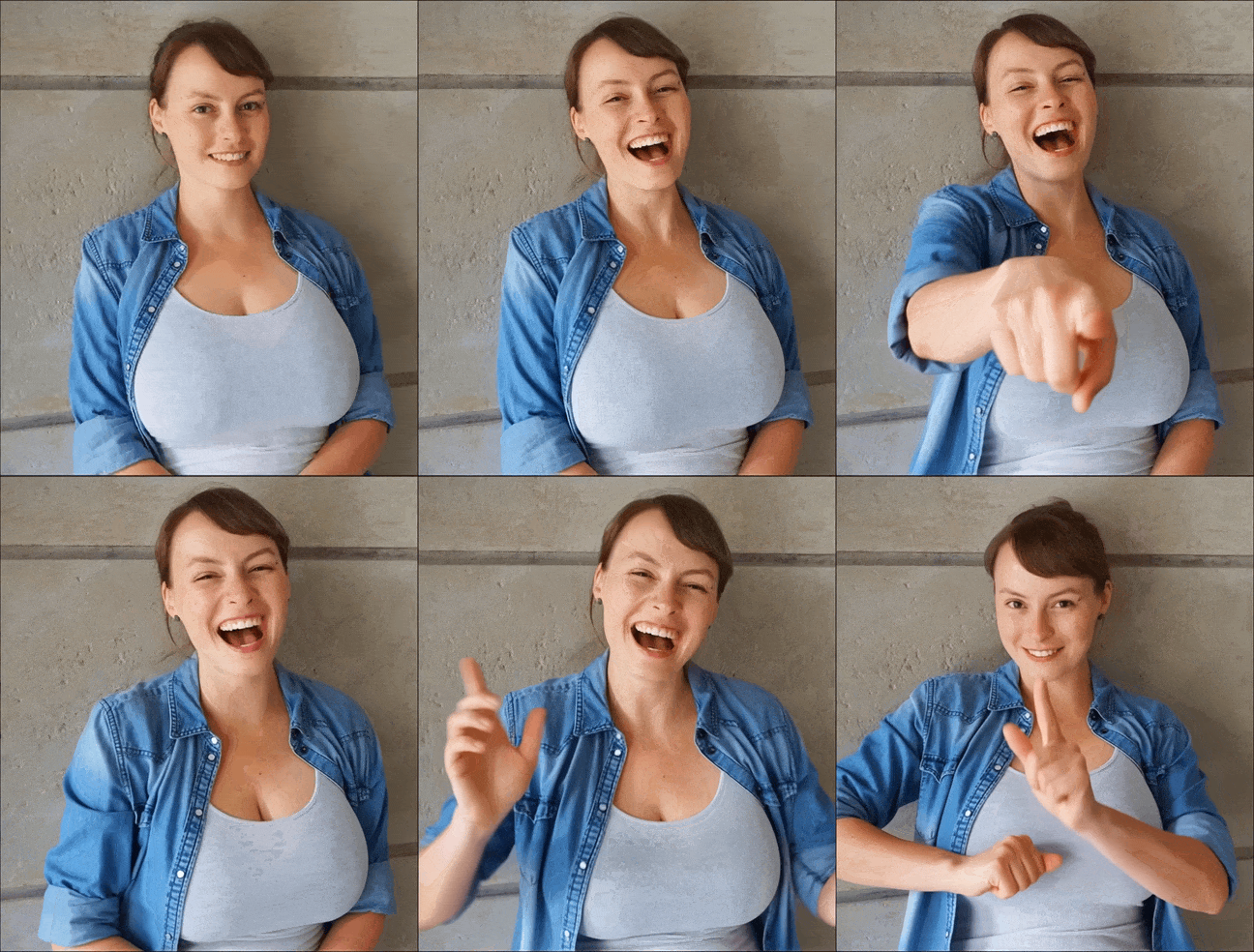
Just a few clicks and get joy on SeaArt AI! You can effortlessly bring your static character photos to life and precisely match the portrait funny movement with "Dragostea Din Tei".

Before and After Animated Newton Portrait

Animation Beyond Expectations

Our live portrait maker is dedicated to creating highly realistic animated portraits perfectly synchronized with the iconic "Dragostea Din Tei". Every movement appears natural and precise, capturing the playful spirit of the song and offering an engaging, high-quality experience. Moreover, you can utilize our live portrait AI ComfyUI to convert more diverse versions of animated avatars from Video to Video!

Before and After Animated Einstein Portrait

Big Joy with Simple Steps

Live portrait AI makes creating animated portraits effortless. With a simple and intuitive design, you can bring character portraits of any style to life with smooth, natural movements. Revive old photos or turn special moments into vivid animations. It's all about easy and enjoyable creation, with no hassle, just pure creativity and fun.

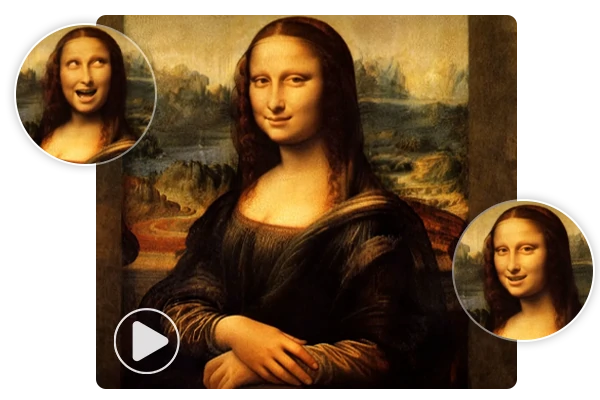
Expressive Animated Painting

Bring Art to Life in One Click

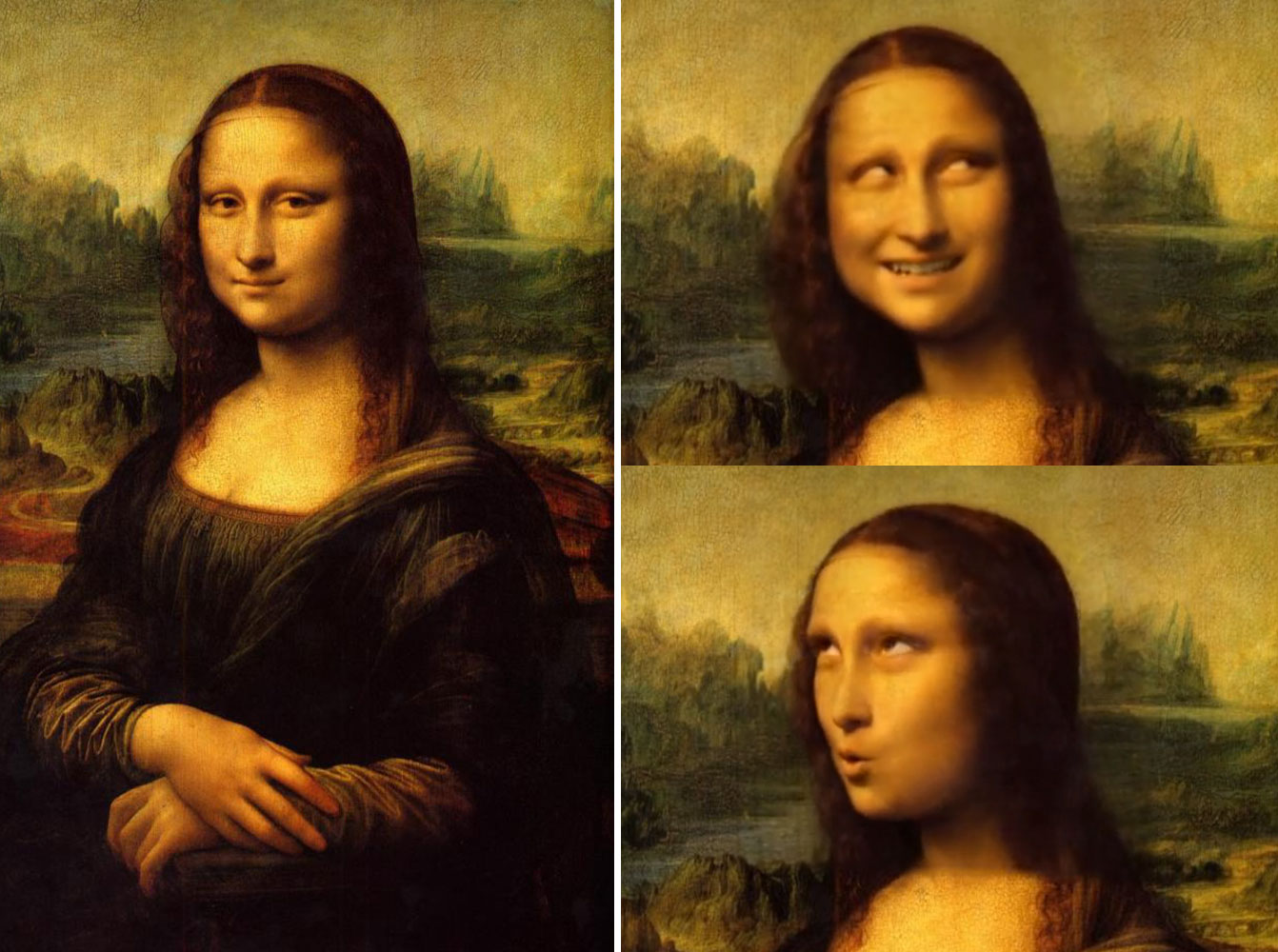
Animated portraits add subtle, expressive motion to classic artworks, allowing you to rediscover iconic moments in another way. It can be Mona Lisa's gentle smile, a playful art influencer, or even a meme you love. With just one click, animate a picture as you like.

How to Create a Live Portrait Online

Transform your photos into antic animated portraits in just three simple steps:

Step 1: Upload Your Photo

Upload a clear, high-quality portrait for the best animation results. A sharp image helps Live Portrait AI create smooth and accurate movements.

Step 2: Apply the Animation

Click the "Generate" button, and your photo will automatically move to the "History" queue. In just a few seconds, generate a stunning animated portrait.

Step 3: Download and Share

When your animated portrait is ready, download it in MP4 format, with no watermarks. It's free to share, save, or use however you like - your moving creation is yours to enjoy!

Live Portrait AI - FAQs

collapse

1. Is SeaArt AI's Live Portrait AI free?

Yes, our live portrait maker is completely free to use, and any user can download your animated portraits without any watermarks.

expand

2. What type of photos work best for animated portraits?

For the best results, use clear, high-quality portraits with good lighting and sharp details, especially focused on the face.

expand

3. Is there a limit to the number of photos I can animate?

There's no limit to the number of photos you can animate, as long as you have enough stamina in SeaArt AI. Your stamina is reset daily, so you can keep creating!

expand

4. Can I share my animated portrait on social media?

Absolutely! You can freely share it on any platform, print it, or save it for personal use.